EasyManua.ls Logo

Nikon COOLPIX S2700 - User Manual

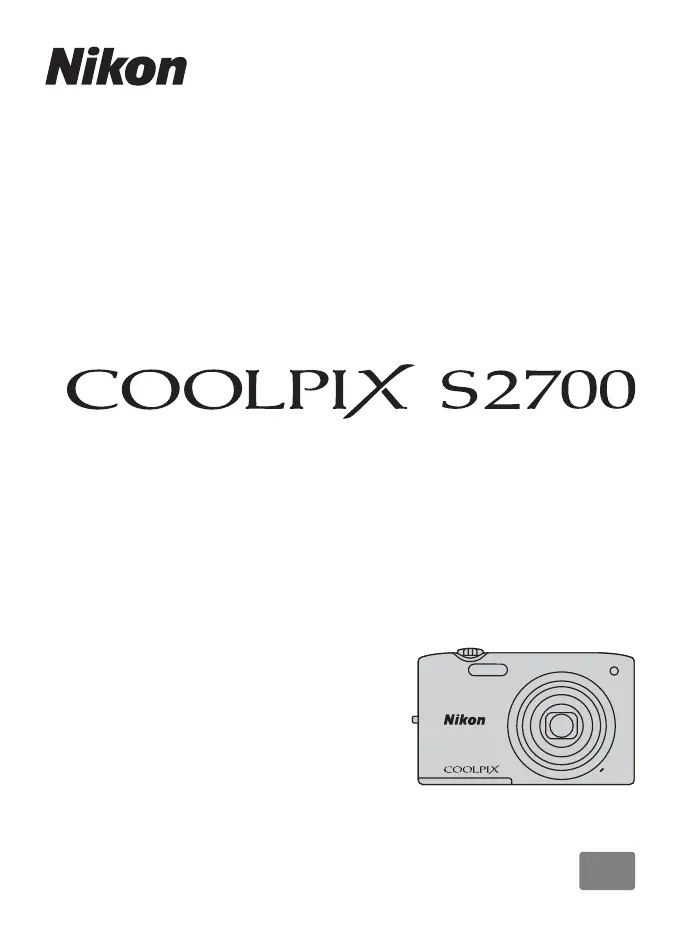
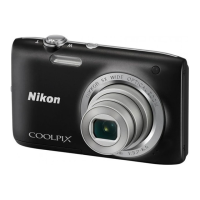
Nikon COOLPIX S2700
204 pages
Print Icon
To Next Page IconTo Next Page
Loading...
DIGITAL CAMERA
Reference Manual
En

Table of Contents

Questions and Answers

  • T
    thomasandrewsSep 18, 2025
    Why is image mode not available on my Nikon COOLPIX S2700 Digital Camera?
    • A
      Aaron ClaySep 18, 2025
      Image mode might not be available on your Nikon Digital Camera because another function that restricts the Image mode option is enabled.
  • D
    Diana WalkerAug 25, 2025
    Why I cannot turn on my Nikon Digital Camera?
    • N
      Nicholas VillarrealAug 25, 2025
      Your Nikon Digital Camera might not be turning on because the battery is exhausted. Also, when connecting to an electrical outlet using a Charging AC Adapter, the camera cannot be turned on.
  • S
    stevenharrisAug 25, 2025
    What to do if the battery inserted into my Nikon COOLPIX S2700 cannot be charged?
    • J
      Joseph PattersonAug 26, 2025
      If the battery inserted into your Nikon Digital Camera cannot be charged, first confirm all connections. Ensure that 'Off' is not selected for Charge by computer in the setup menu. Note that when charging via computer, charging stops when the camera is turned off or if the computer is suspended (sleeping). Depending on computer specifications, settings, and status, charging via computer connection may be impossible.
  • K
    Karen GonzalezAug 26, 2025
    How to correct the date and time on my Nikon COOLPIX S2700?
    • S
      Summer RossAug 27, 2025
      If the date and time of recording are not correct on your Nikon Digital Camera, and the “Date not set” indicator is flashing, set the correct time and date from the Time zone and date option in the setup menu. Also, periodically compare the camera clock with a more accurate timepiece and reset as needed, as the camera clock is not as accurate as ordinary watches or clocks.
  • J
    james96Sep 22, 2025
    Why is there no sound when the shutter is released on my Nikon COOLPIX S2700?
    • L
      lisa36Sep 22, 2025
      There might be no sound when the shutter is released on your Nikon Digital Camera because Off is selected for Sound settings>Shutter sound in the setup menu. Also, no sound is produced with some shooting modes and settings, even when On is selected, or the speaker is blocked. Do not cover the speaker.
  • E
    Elizabeth JonesSep 23, 2025
    What to do if unexpected results when flash set to V (Auto with red-eye reduction) on my Nikon Digital Camera?
    • V
      Victor BarrettSep 23, 2025
      When taking images with Auto with red-eye reduction or fill flash with slow sync and red-eye reduction in Night portrait scene mode, In-Camera Red Eye Fix may be applied to areas not affected by red-eye on your Nikon Digital Camera. Use any scene mode other than Night portrait, and change the flash mode to any setting other than Auto with red-eye reduction and try shooting again.
  • M
    megan65Sep 9, 2025
    Why can't I use digital zoom on my Nikon Digital Camera?
    • D
      Daniel BenitezSep 10, 2025
      You might not be able to use digital zoom on your Nikon Digital Camera because it is set to Off in the setup menu. Digital zoom is also unavailable when Continuous is set to Multi-shot 16, when AF area mode is set to Subject tracking in A (auto) mode, when Scene auto selector, Portrait, Night portrait, or Pet portrait scene mode is selected, or when shooting in smart portrait mode.
  • M
    matthew30Sep 12, 2025
    Why is the screen for setting time zone and date displayed when I turn on my Nikon Digital Camera?
    • C
      Catherine HartSep 12, 2025
      The screen for setting time zone and date may be displayed when you turn on your Nikon Digital Camera because the clock battery is exhausted, causing all settings to revert to their default values.
  • G
    Gabrielle GillespieSep 3, 2025
    Why are there streaks of light or partial discoloration visible in the monitor of my Nikon COOLPIX S2700?
    • J
      John ClarkSep 3, 2025
      Streaks of light or partial discoloration may occur when extremely bright light strikes the image sensor of your Nikon Digital Camera. When shooting with Continuous set to Multi-shot 16 and when recording movies, avoid bright objects like the sun, reflections of the sun, and electric lights.
  • J
    Jeffrey ChenSep 1, 2025
    How to fix images that are too bright (overexposed) on my Nikon Digital Camera?
    • L
      lewisheatherSep 1, 2025
      If your images are too bright (overexposed) on your Nikon Digital Camera, try adjusting the exposure compensation.

Summary

Introduction and Safety Information

Key Safety Precautions

Essential safety guidelines to prevent injury and damage to the device.

Initial Camera Preparation

Battery Insertion and Removal

Step-by-step guide to inserting and removing the camera battery correctly.

Memory Card Handling

Steps for correctly inserting and removing memory cards, and formatting.

Powering On and Initial Setup

Turning the Camera On and Off

Detailed steps for powering the camera on, off, and entering playback mode.

Shooting Modes Overview

Capturing Images

Focusing and Shooting Process

Step-by-step guide on how to focus, adjust exposure, and take photos.

Reviewing Captured Images

Playing Back Images

How to enter playback mode and navigate through captured photos.

Managing Images

Deleting Unwanted Images

Procedure for deleting single or multiple images from the camera.

Smart Portrait Mode Operation

Capturing Smiling Faces

How the camera automatically captures shots when smiles are detected.

Connecting Camera to Devices

Movie Recording and Playback

Recording Movies

How to record video, including movie options and maximum length.

Movie Playback Operations

How to play recorded movies and control playback.

General Camera Setup Menu

Technical Notes and Troubleshooting

Troubleshooting Guide

Solutions for display, power, shooting, and playback errors.

Nikon COOLPIX S2700 Specifications

General IconGeneral
Optical Zoom6x
TypeCompact digital camera
LensNIKKOR lens
f/-numberf/3.5-6.5
Construction6 elements in 5 groups
Digital Zoom Magnification4x
AutofocusContrast-detect AF
Frame Coverage (Playback Mode)Approx. 100% horizontal and 100% vertical
Storage MediaSD/SDHC/SDXC memory cards
File SystemDCF, EXIF 2.3, DPOF
MeteringMatrix, Center-weighted, Spot
Exposure ControlProgrammed auto exposure
Shutter Speed1/2000 to 1 s
InterfaceHi-Speed USB
Data Transfer ProtocolMTP, PTP
Video OutputNTSC, PAL
Tripod Socket1/4 (ISO 1222)
Display Size2.7 in
Image StabilizationElectronic
Video Resolution1280 x 720
Battery TypeEN-EL19
Image Sensor1/2.3-inch CCD
Focus RangeApprox. 50 cm (1 ft 8 in.) to infinity
MonitorTFT LCD
File FormatsJPEG
Image Size (Pixels)4608 x 3456
Shutter TypeMechanical and electronic shutter
Self-timer10 s
ControlTTL auto flash with monitor preflashes
Power SourcesOne Rechargeable Li-ion Battery EN-EL19
Still PicturesApprox. 210 shots with EN-EL19
Movie RecordingApprox. 1 h with EN-EL19 battery
ISO SensitivityISO 80-3200
WeightApprox. 117 g (including battery and memory card)

Related product manuals