24
The Basics of Shooting and Playback
Step 2 Select a Shooting Mode
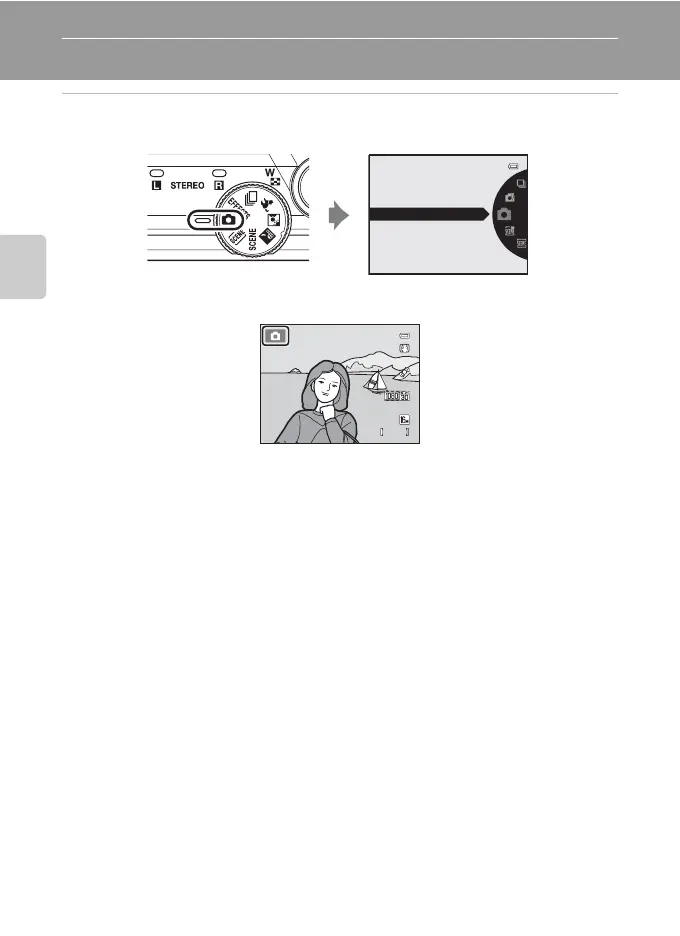
Rotate the mode dial to select a shooting mode.
• A (auto) mode is used in this example. Rotate the mode dial to A.
• The camera switches to A (auto) mode and the A icon is displayed.
• See “Shooting Mode” (A 6) in “The Monitor” for information about the
shooting mode screen.
Auto mode
840
29m 0s














 To Next Page