2
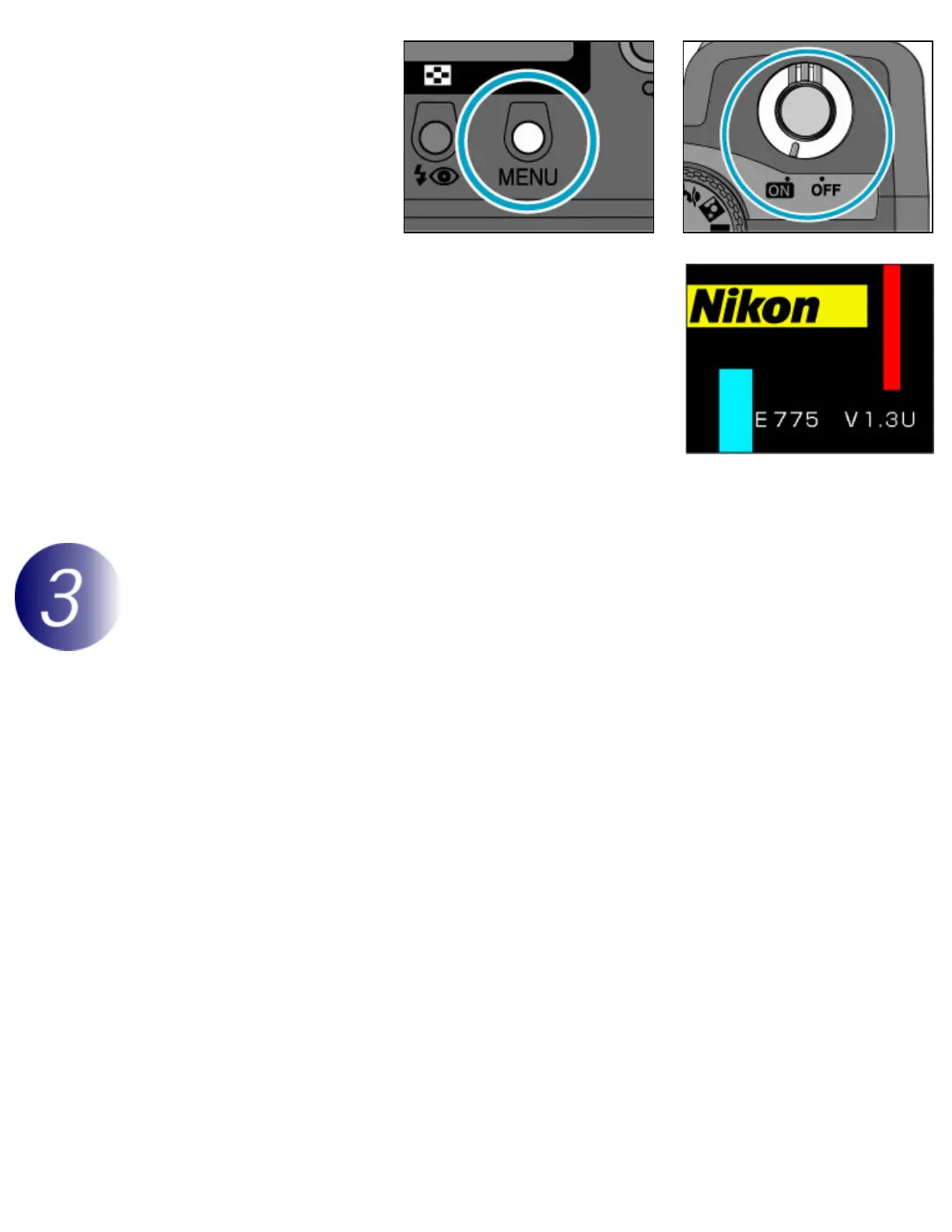
Press and hold the
MENU button while
turning the camera on.
3
“E775 V” will be displayed in the monitor, followed by the
version number of the current camera firmware.
If the monitor shows “E775 V1.3U,” the current camera
firmware is version 1.3. This upgrade can be used with
firmware versions 1.3 or earlier.
4
Turn the camera off.
Download and extract the new firmware
Download “CP775fw14.sit”
Click the Download link (above) to download the file. Once download is complete, the file
“CP775fw14.sit” will be created automatically. This file will then be automatically extracted to create
the folder “E775 Update.” If extraction is successful, the folder “E775 Update” will contain the following
files and folders:
firmware:
Folder containing camera firmware
firmware.
bin:
Camera firmware (in “firmware” folder)



 To Next Page