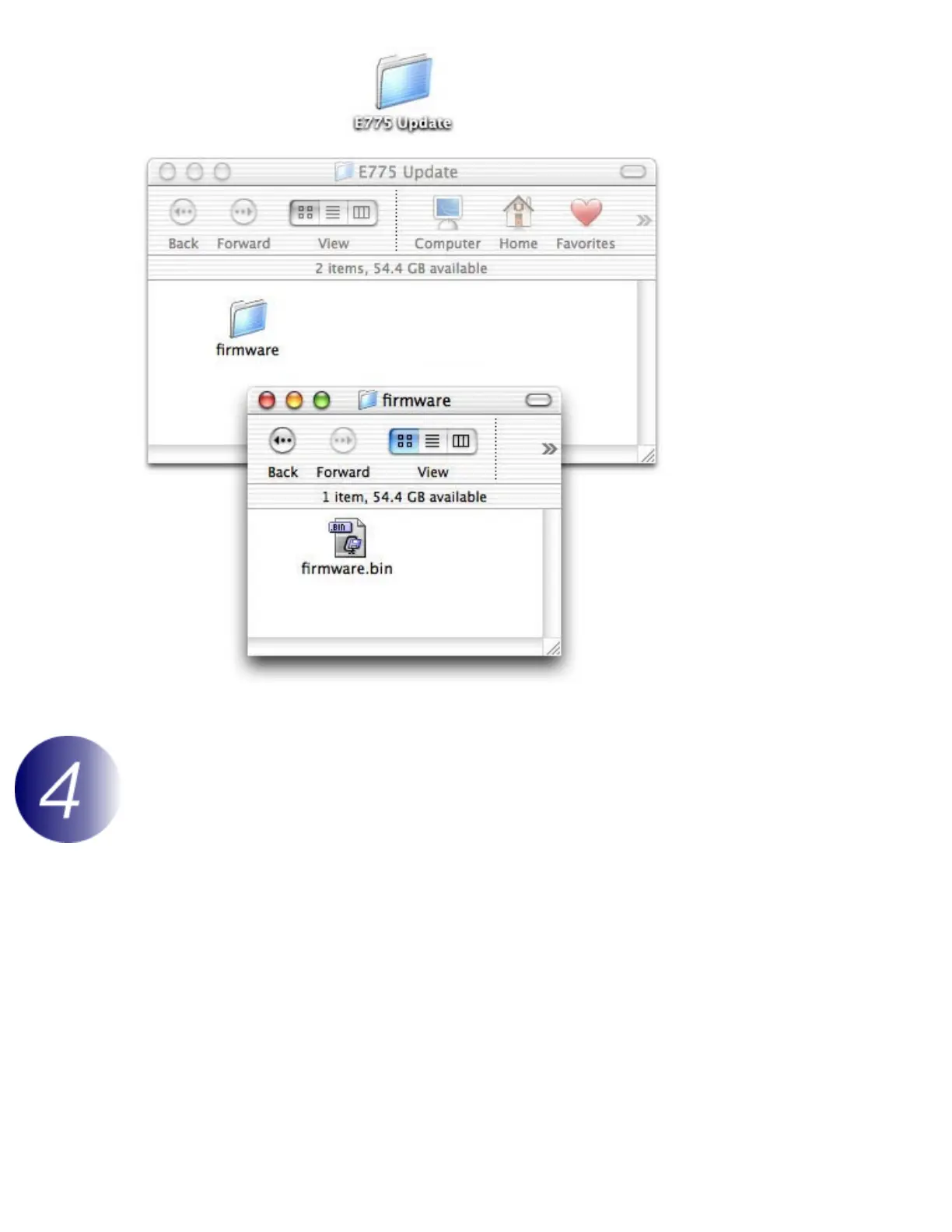
Copy the firmware to the memory card
The firmware can be copied to the camera memory card either by connecting the computer directly to
the COOLPIX775 using the USB cable, or by removing the memory card from the camera and inserting it
in a CompactFlash card reader.
Direct USB Connection
1
Turn the camera off and insert the formatted memory card into the COOLPIX775.
For information on formatting memory cards, see the
Nikon
Guide to Digital
Photography with the
COOLPIX775
.
2
Turn the camera off and connect the USB cable as shown below.



 To Next Page