VAA46003-R.3659.A
- A40 ・ E7900 -
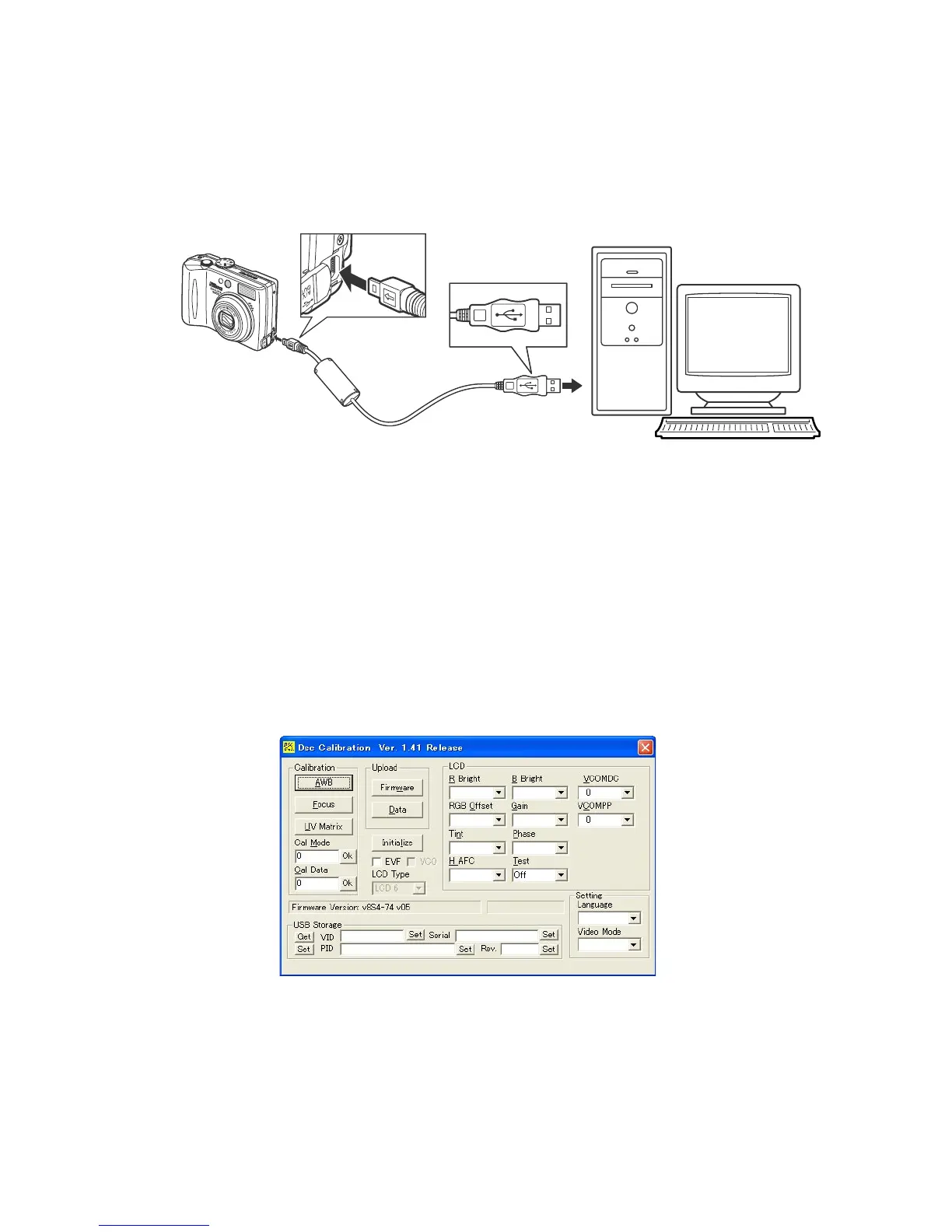
9. Connecting the camera to the computer
1) Insert the camera connector of USB cable in the notch of the camera’s USB port.
2) Connect the cable to the USB port on PC.
10. Calibration software
・ Turn on the power switch of the camera.
・ When the calibration software starts, the following is displayed on the PC monitor.
電源は AC アダ
プ タ EH-62B か
ら 供 給 し て く
ださい。
To USB port
USB Cable (UC-E6)
Supply the power
through the AC
adapter (EH-62B).



 To Next Page