94
k
Hand-Held Mode
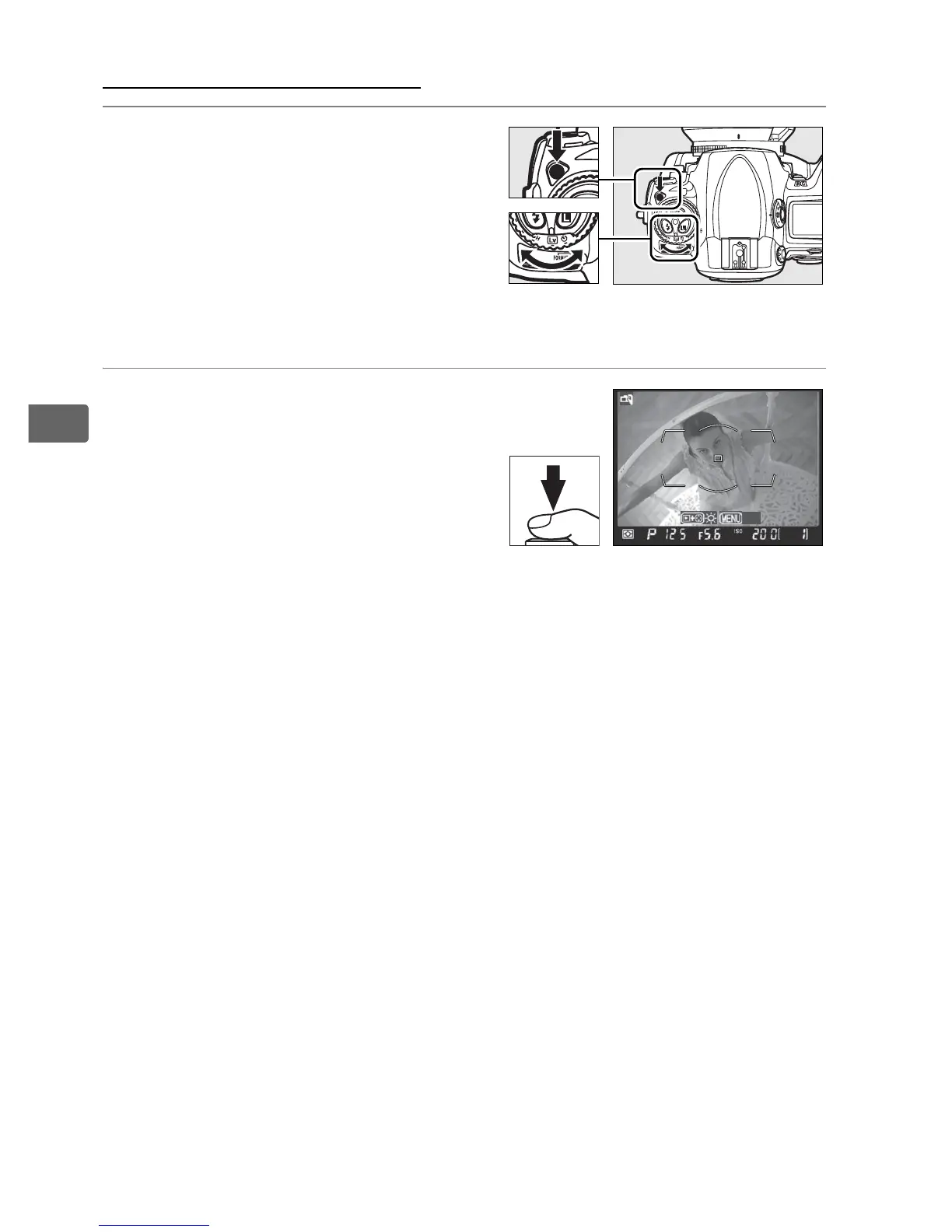
1 Select live view mode.
Press the release mode dial
lock release and turn the
release mode dial to a.
2 Press the shutter-release
button all the way down.
The mirror will be raised and
the view through the lens will
be displayed in the camera
monitor instead of the viewfinder (for improved focus, pause
briefly with the shutter-release button pressed halfway before
pressing it the rest of the way down). To exit without taking a
picture, rotate the release mode dial to another setting or
press G.
Release mode dial
Exit



 To Next Page