31
s
Help
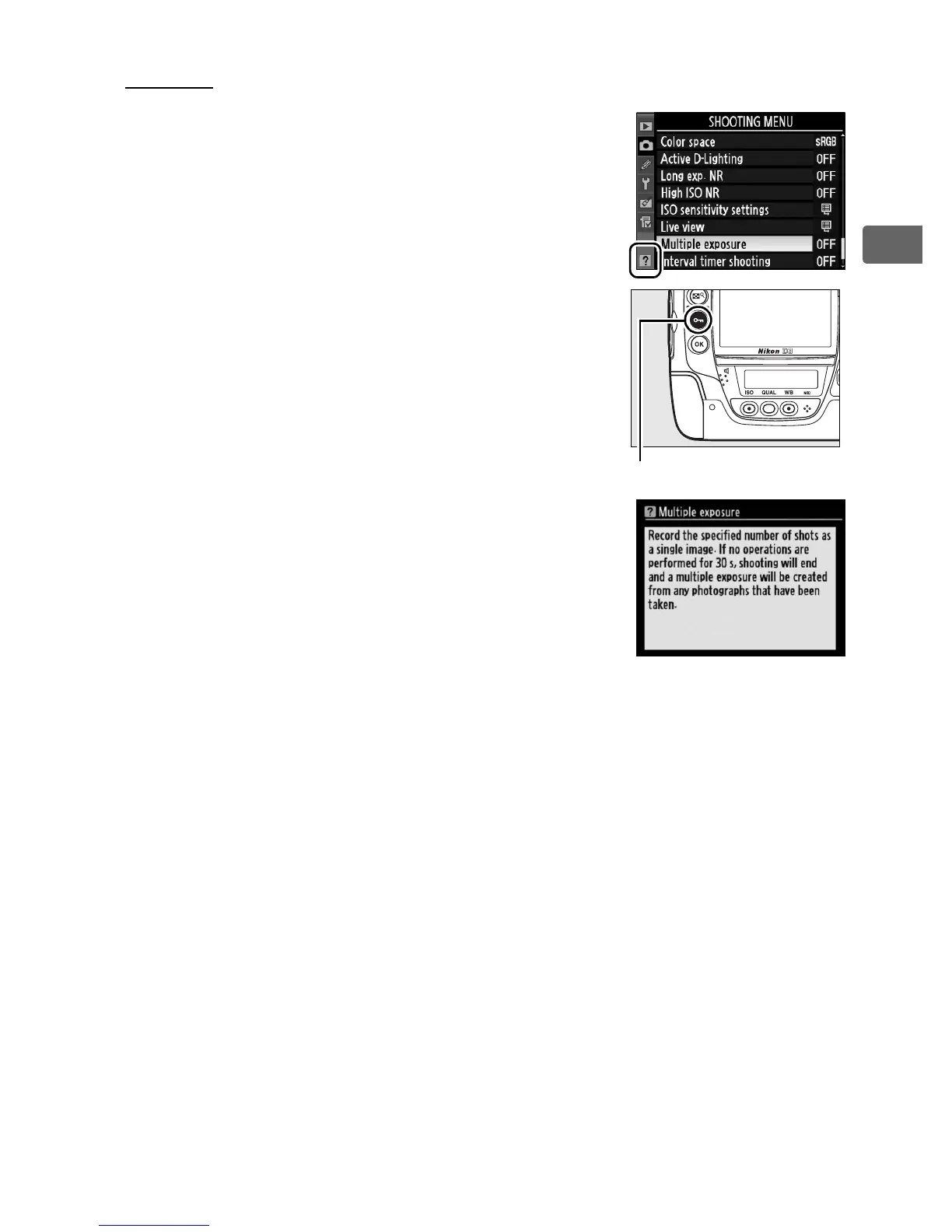
If a Q icon is displayed at the bottom left
corner of the monitor, help can be displayed
by pressing the L (Q) button.
A
description of the currently selected option
or menu will be displayed while the button
is pressed.
Press 1 or 3 to scroll through
the display.
L button



 To Next Page