151
r
Choosing a Color Temperature
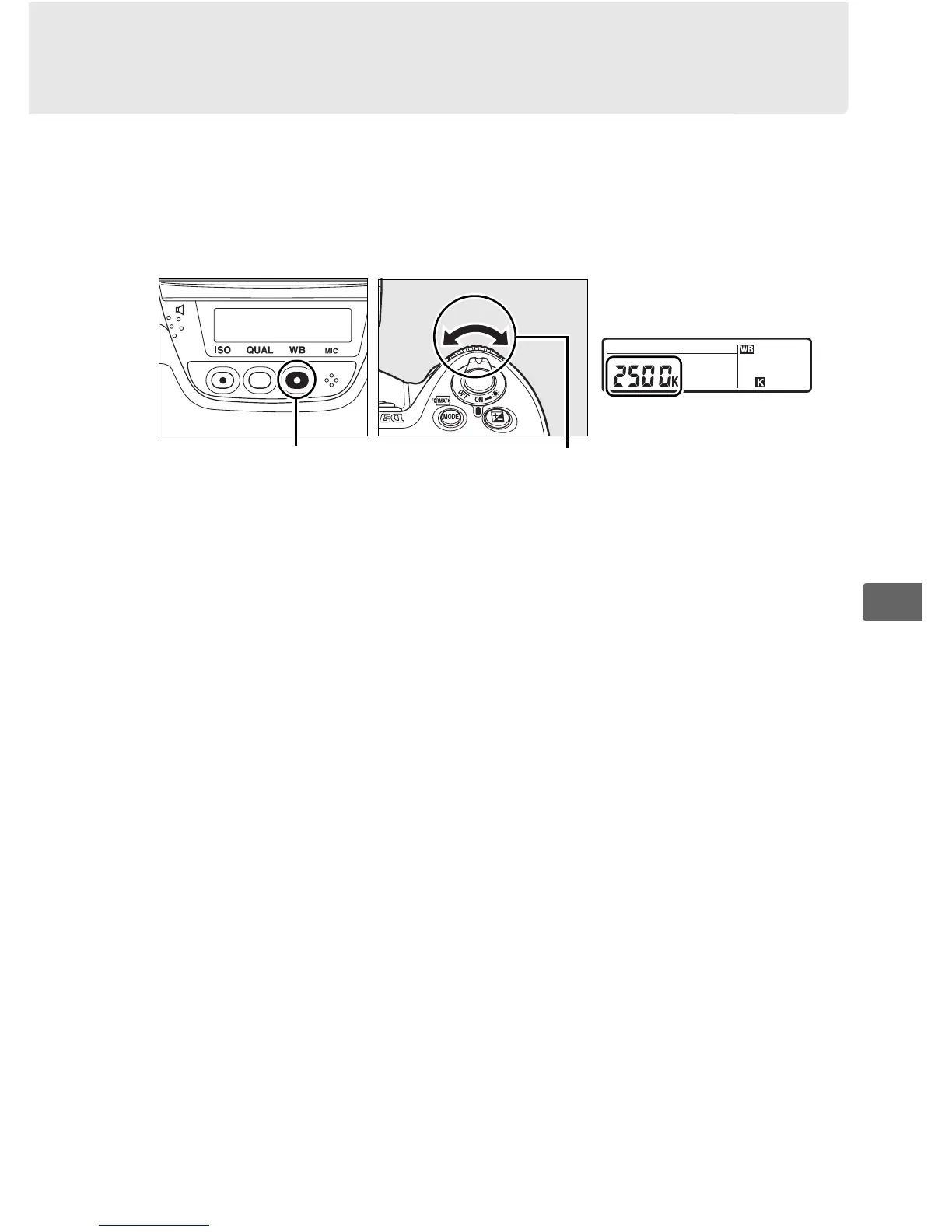
When K ([Choose color temp.]) is selected for white balance, color
temperature can be selected by pressing the WB button and
rotating the sub-command dial.
The color temperature is
displayed in the rear control panel:
D Choose Color Temperature
Note that the desired results will not be obtained with flash or fluorescent
lighting.
Choose N ([Flash]) or I ([Fluorescent]) for these sources.
With
other light sources, take a test shot to determine if the selected value is
appropriate.
A The White Balance Menu
Color temperature can also be selected in the white balance menu.
Note
that the color temperature with the WB button and the sub-command dial
replaces the value selected in the white balance menu.
Rear control panel
WB button
Sub-command dial



 To Next Page