254
e
Voice Memo Playback Options
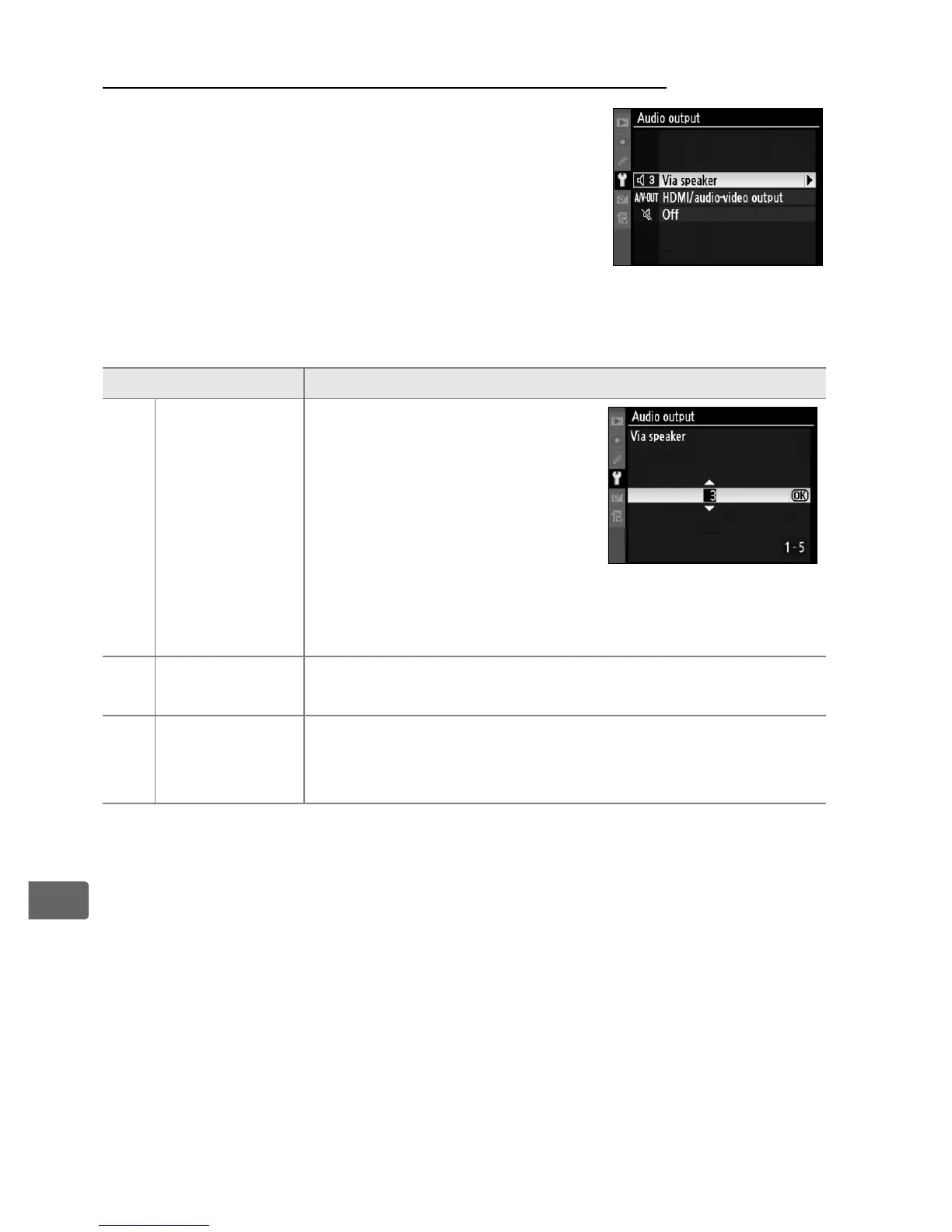
The [Audio output] option in the setup menu
controls whether voice memos are played
back over the camera’s built-in speaker or by
a device to which the camera is connected
via an HDMI or audio/video cable.
When
sound is played back over the built-in
speaker, the [Audio output] option also
controls playback volume.
Option Description
d
Via speaker
(default)
Voice memos are played
back over built-in speaker.
Selecting this option
displays menu shown at
right.
Press 1 or 3 to
change volume.
Beep will
sound when option is
selected.
Press J to make selection and return to
setup menu.
e
HDMI/audio-
video output
Audio signal output to HDMI or A/V-OUT terminal.
f Off
Voice memos are not played back.
b icon is
displayed when photo for which voice memo exists
is viewed in monitor.



 To Next Page