331
U
f2: Multi Selector
If [Reset meter-off delay] is selected, operating the multi selector
when the exposure meters are off (pg. 50) will activate the
exposure meters.
If [Do nothing] (the default option) is selected,
the exposure meters will not be activated when the multi selector
is pressed.
f3: Photo Info/Playback
At the default setting of [Info13/Playback42], pressing 1 or 3
in full-frame playback changes the photo information displayed,
while pressing 4 or 2 displays additional images.
To reverse the
role of the multi selector buttons so that pressing 1 or 3 displays
additional images and pressing 4 or 2 changes the photo
information displayed, select [Info42/Playback13].
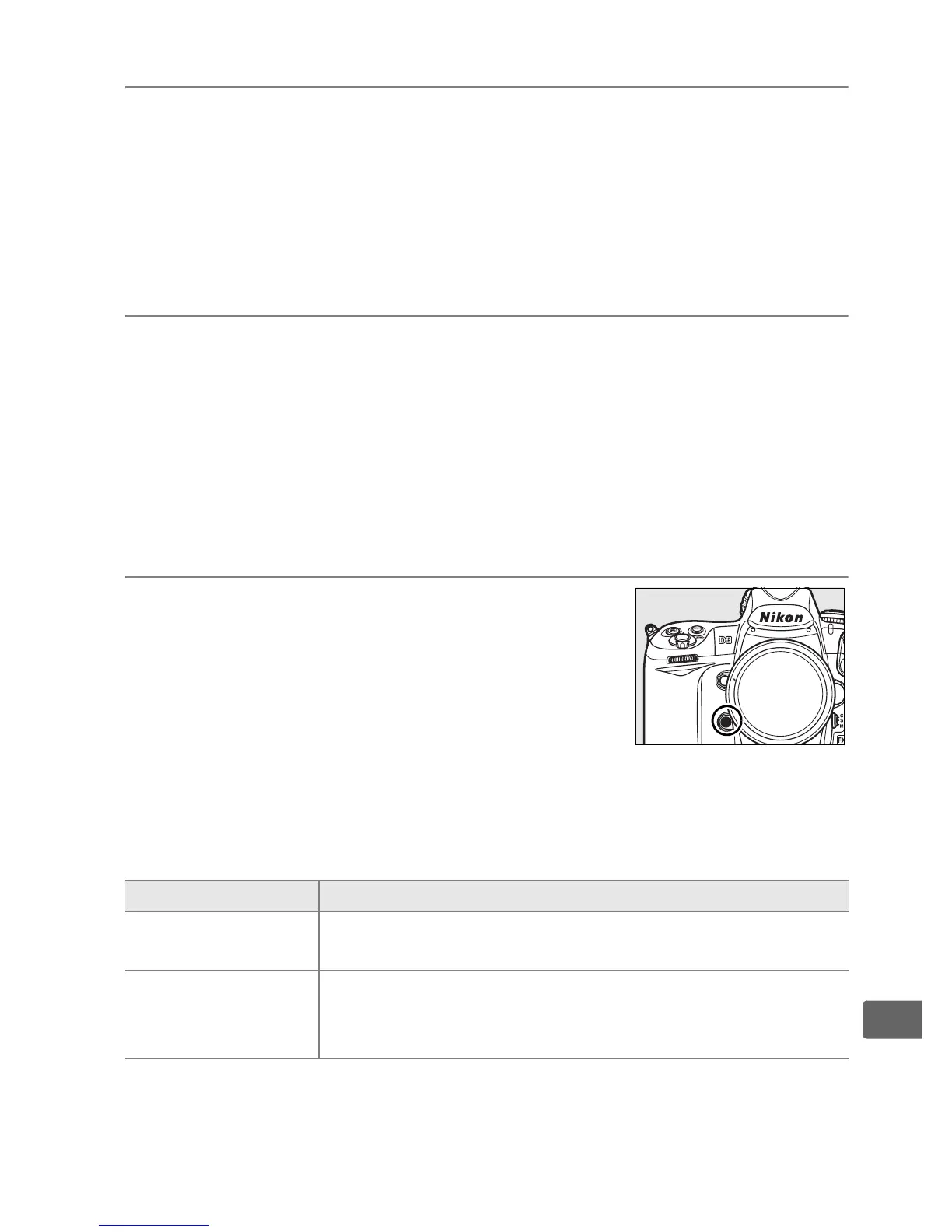
f4: Assign FUNC. Button
Choose the role played by the Fn button,
either by itself ([FUNC. button press]) or
when used in combination with the
command dials ([FUNC. button+dials]).
❚❚ FUNC. Button Press
Selecting [FUNC. button press] for Custom Setting f4 displays the
following options:
Option Description
q
Preview
*
Press the Fn button to preview depth of field
(pg. 117).
r
FV lock
*
Press the Fn button to lock flash value (SB-800,
SB-600, SB-400, and SB-R200 flash units only,
pg. 201).
Press again to cancel FV lock.



 To Next Page