150
r
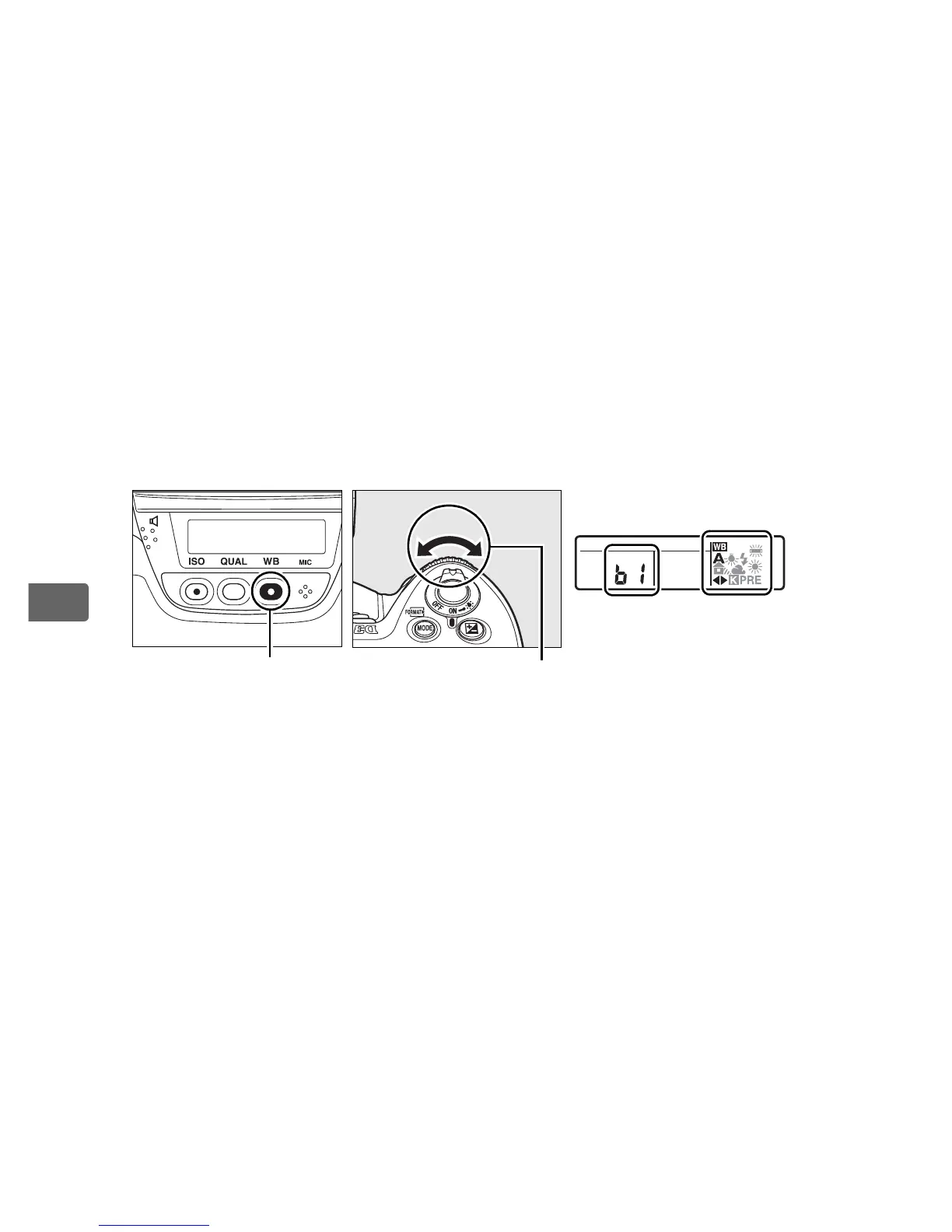
❚❚ The WB Button
At settings other than K ([Choose color temp.]) and L ([Preset
manual]), the WB button can be used to fine-tune white balance on
the amber (A)–blue (B) axis (pg. 148; to fine-tune white balance
when K or L is selected, use the shooting menu as described on
page 147).
Six settings in both directions are available; each
increment is equivalent to about 5 mired (pg. 149).
Press the WB
button and rotate the sub-command dial until the desired value is
displayed in the rear control panel.
Rotating the sub-command
dial to the left increases the amount of amber (A).
Rotating the
sub-command dial to the right increases the amount of blue (B).
At settings other than 0, a E icon appears in the rear control
panel.
WB button
Sub-command dial
Rear control panel



 To Next Page