99
k
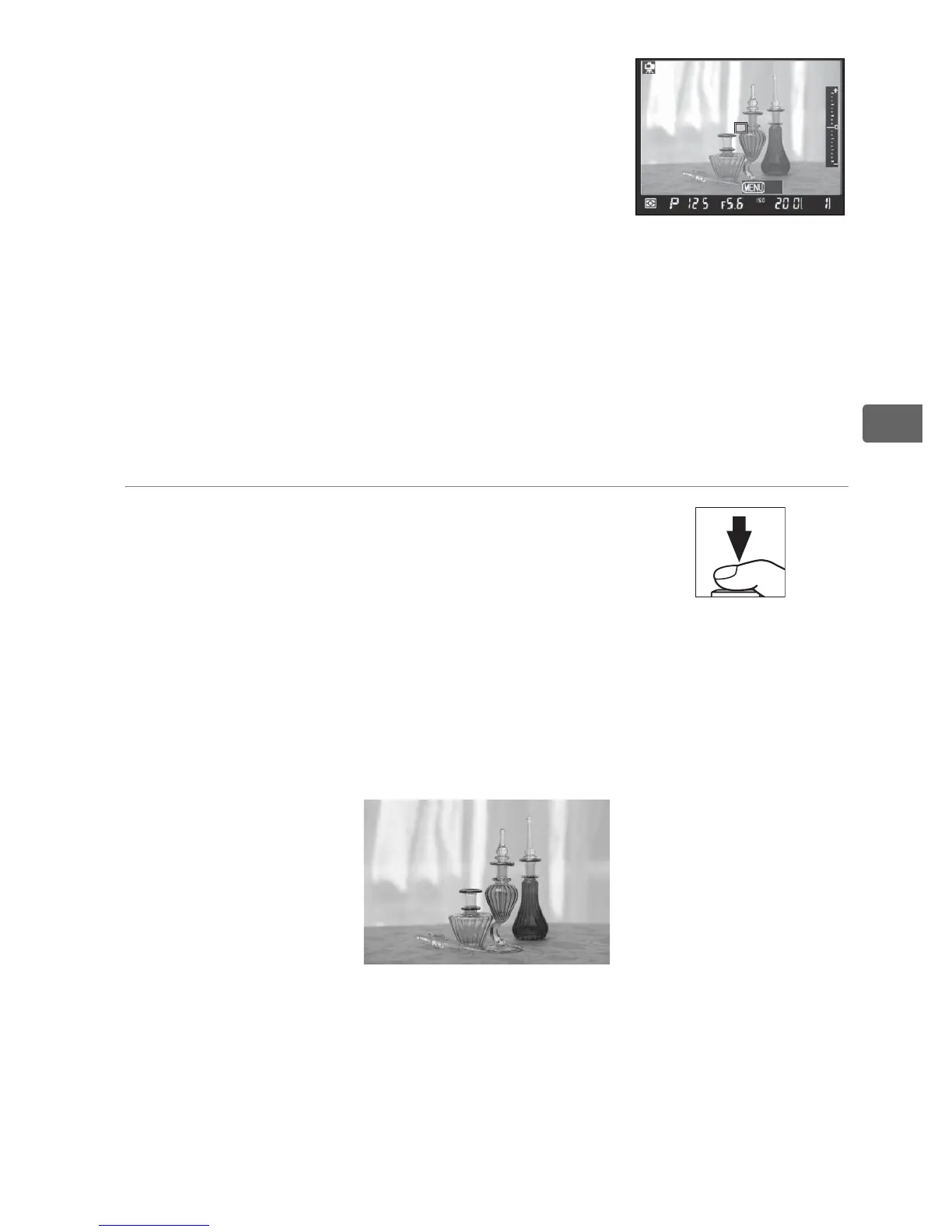
To preview exposure at current
settings, press J.
In exposure modes
other than h, exposure can be adjusted
by pressing the E button and rotating
the main command dial (note that
while exposure compensation can be
adjusted by ±5 EV, only values between
–3 and +3 EV can be previewed in the monitor).
A Exposure Preview
Matrix metering is used to set exposure.
Exposure can not be
previewed when an optional flash unit is attached, bracketing is in
effect (pg. 134), active D-lighting is on (pg. 185), or shutter speed is
set to A or “p” (flash sync speed).
6 Take the picture.
Press the shutter-release button the
rest of the way down to take the
picture. If continuous high speed or
continuous low speed is selected for [Release mode], the
monitor will turn off while the shutter-release button is
pressed. The frame advance rate for continuous mode is the
same as that selected for standard shooting.
D Contrast-Detect Autofocus
The camera will not continue to adjust focus while a B button is
pressed in continuous-servo autofocus mode. In both single-servo and
continuous-servo autofocus modes, the shutter can be released even
when the camera is not in focus.
Exit



 To Next Page