154
r
❚❚ Measuring a Value for White Balance
1 Light a reference object.
Place a neutral gray or white object under the lighting that will
be used in the final photograph.
In studio settings, a standard
gray panel can be used as a reference object.
Note that
exposure is automatically increased by 1 EV when measuring
white balance; in exposure mode h, adjust exposure so that
the electronic analog exposure displays shows ±0 (pg. 126).
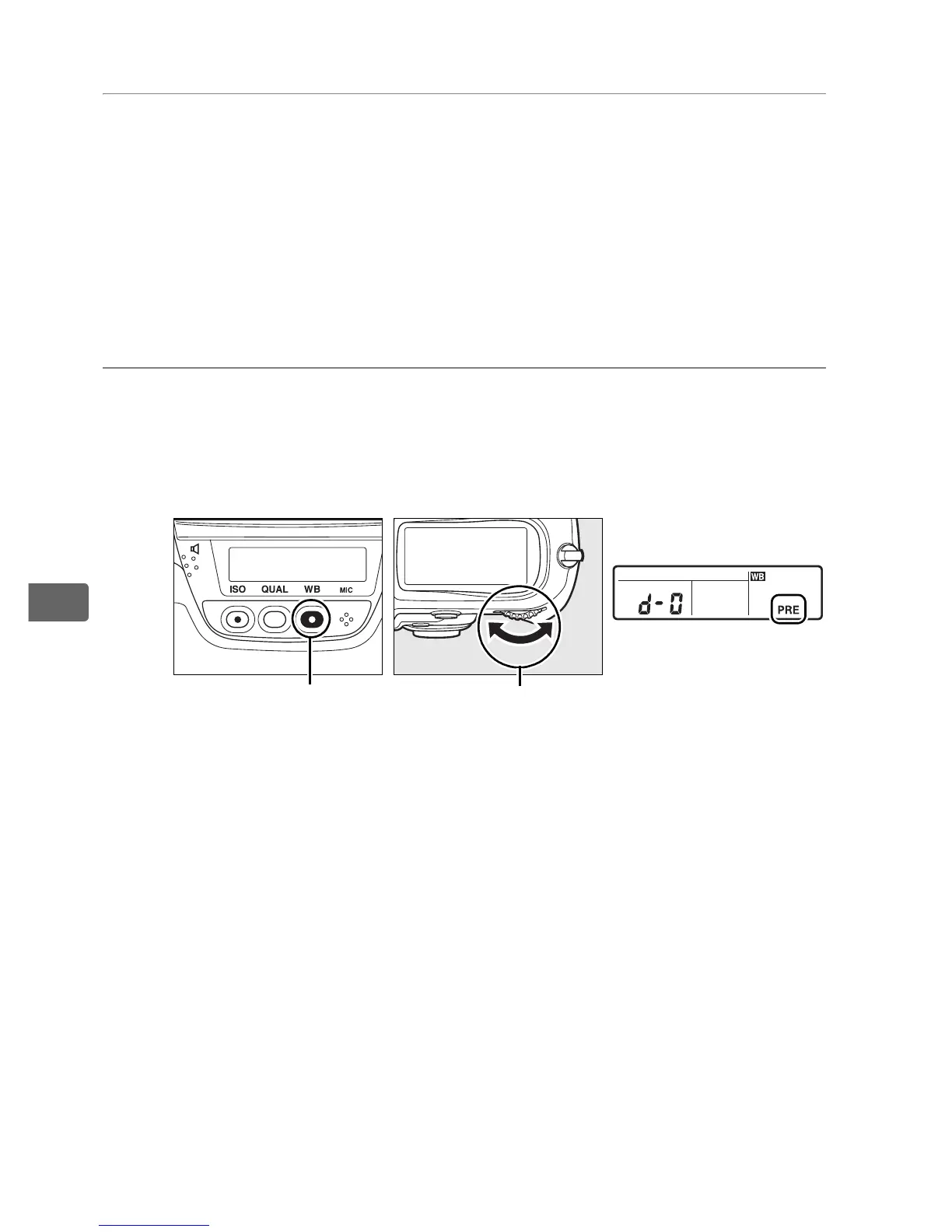
2 Set white balance to L ([Preset manual]).
Press the WB button and rotate the main command dial until
L is displayed in the rear control panel.
WB button Main command dial Rear control panel



 To Next Page