156
r
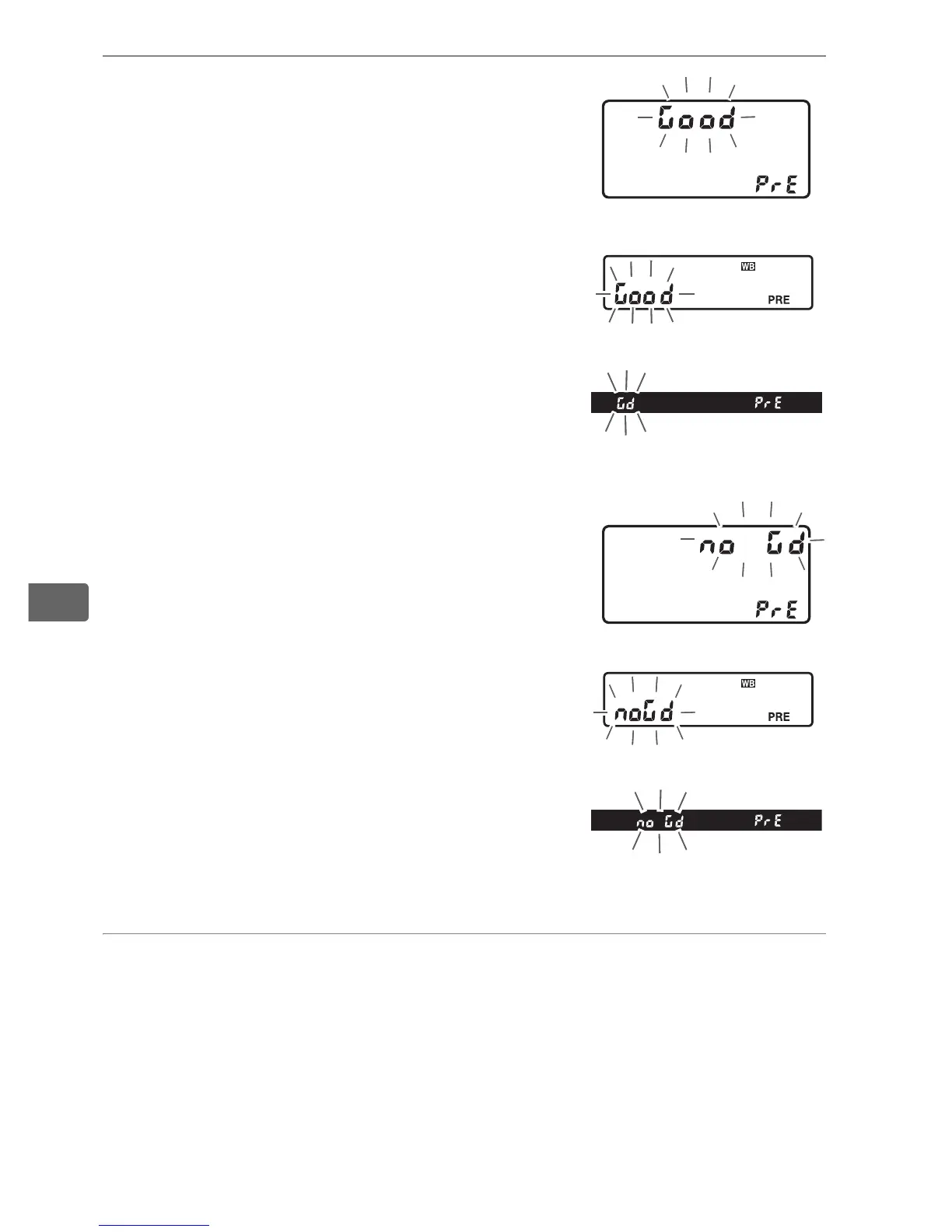
5 Check the results.
If the camera was able to measure a
value for white balance, C will
flash in the control panels, while the
viewfinder will show a flashing a.
At
default settings, the displays will flash
for about six seconds.
If lighting is too dark or too bright, the
camera may be unable to measure
white balance.
A flashing ba will
appear in the control panels and
viewfinder (at default settings, the
displays will flash for about six
seconds).
Press the shutter-release
button halfway to return to Step 4 and
measure white balance again.
6 Select preset d-0.
If the new value for preset white balance will be used
immediately, select preset d-0 by pressing the WB button and
rotating the sub-command dial until d-0 is displayed in the
rear control panel.
Top control panel
Rear control panel
Viewfinder
Top control panel
Rear control panel
Viewfinder



 To Next Page