169
J
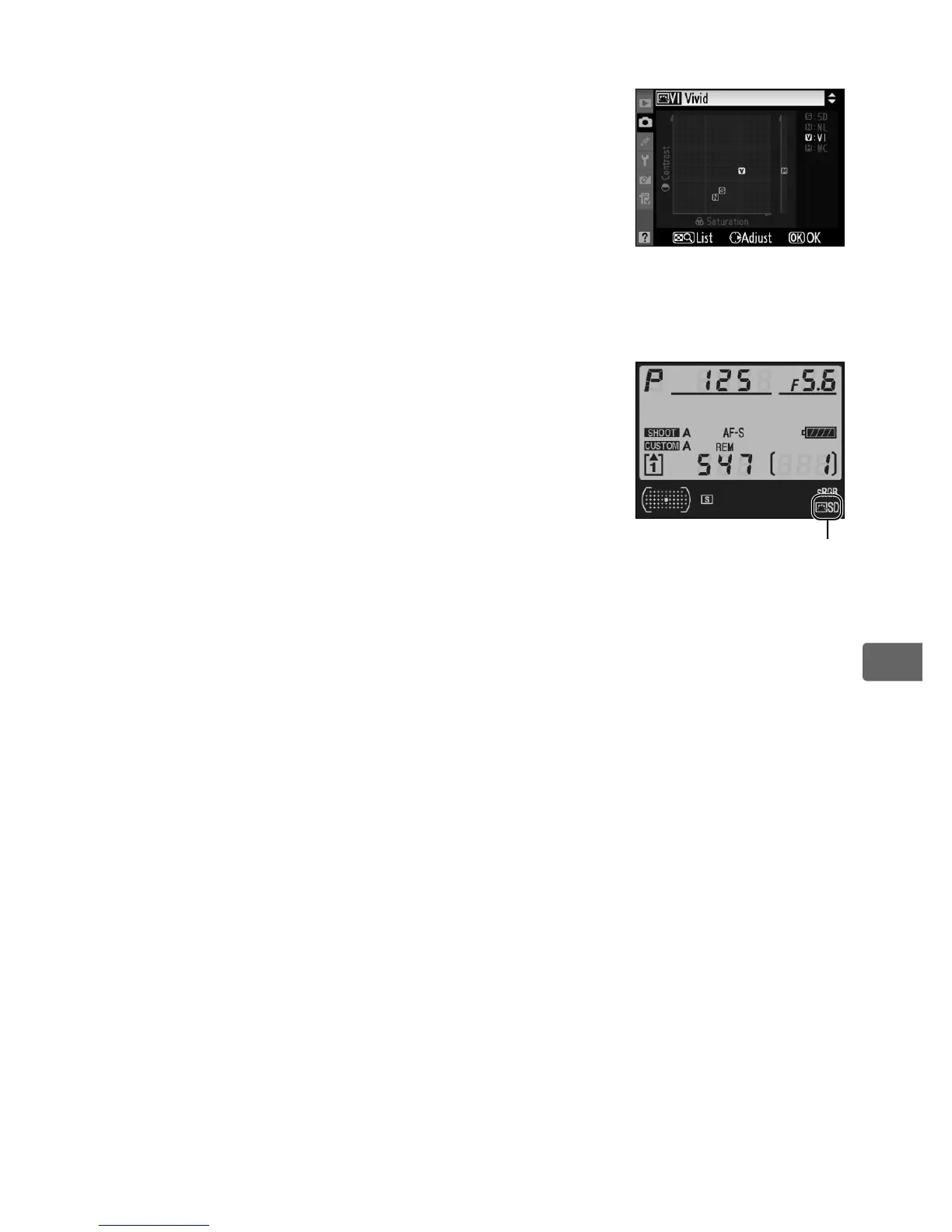
A The Picture Control Grid
Pressing the N button in Step 2 displays a
Picture Control grid showing the contrast and
saturation for the selected Picture Control in
relation to the other Picture Controls (only
contrast is displayed when [Monochrome] is
selected).
To select a different Picture Control,
press 1 or 3, then press 2 to display Picture
Control options and press J.
A The Picture Control Indicator
The current Picture Control is shown in the
shooting information display when the R button
is pressed.
Picture Control
indicator



 To Next Page