179
J
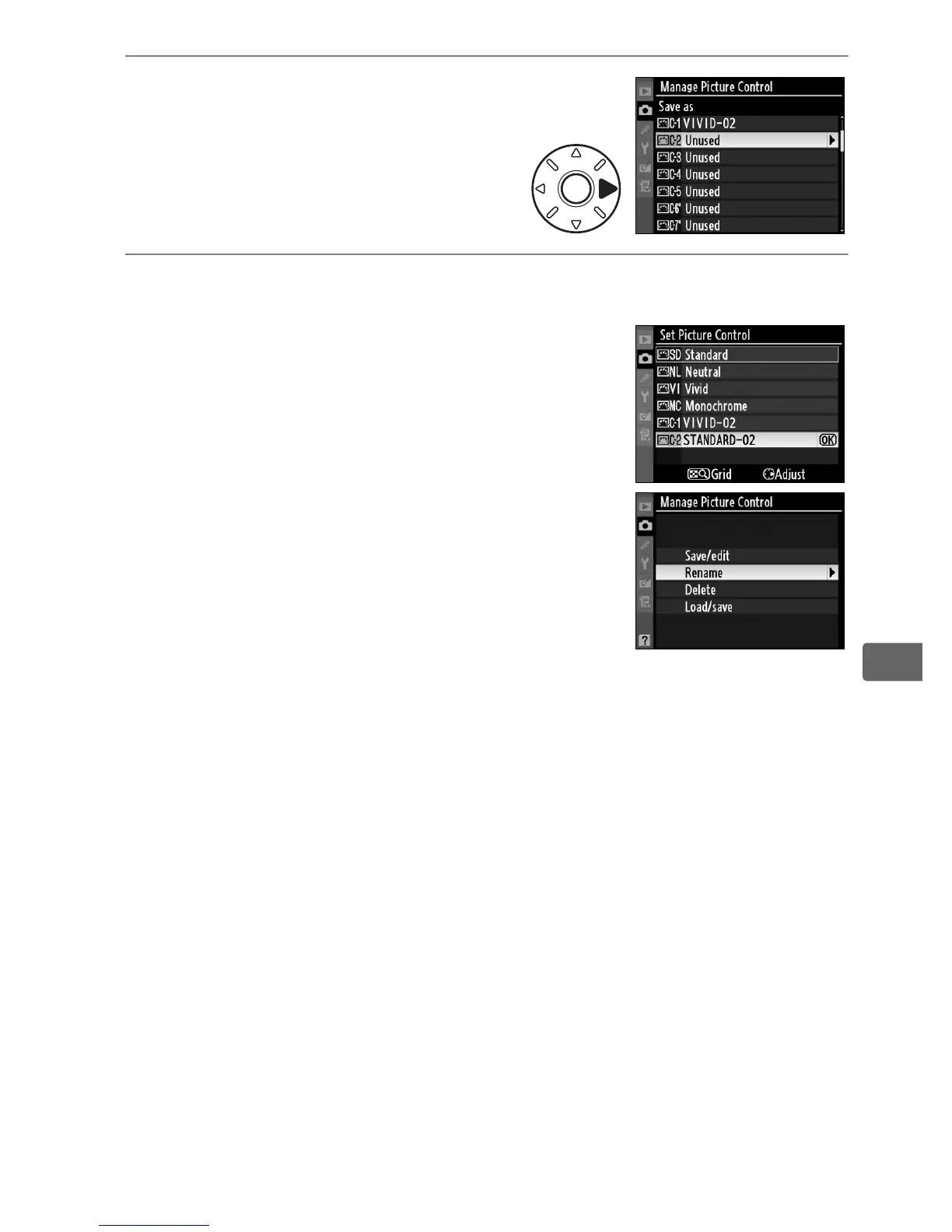
4 Select a destination.
Choose a destination for the
custom Picture Control (C-1
through C-9) and press 2.
5 Name the Picture Control.
Name the Picture Control as described
on page 176.
The new Picture Control
will appear in the Picture Control list and
can be renamed at any time using the
[Rename] option in the [Manage Picture
Control] menu.
A Use Slot 1
Slot 1 is used when saving custom Picture Controls to a memory card or
copying custom Picture Controls to the camera.
Cards in slot 2 can not be
used.



 To Next Page