225
t
❚❚ Setup Menu Options
The [GPS] item in the setup menu contains the options listed
below.
• [Auto meter off]: Choose whether or not the exposure meters will
turn off automatically when a GPS unit is attached.
• [Position]: This item is only available if a GPS device is connected,
when it displays the current latitude, longitude, altitude,
Coordinated Universal Time (UTC), and heading as reported by
the GPS device.
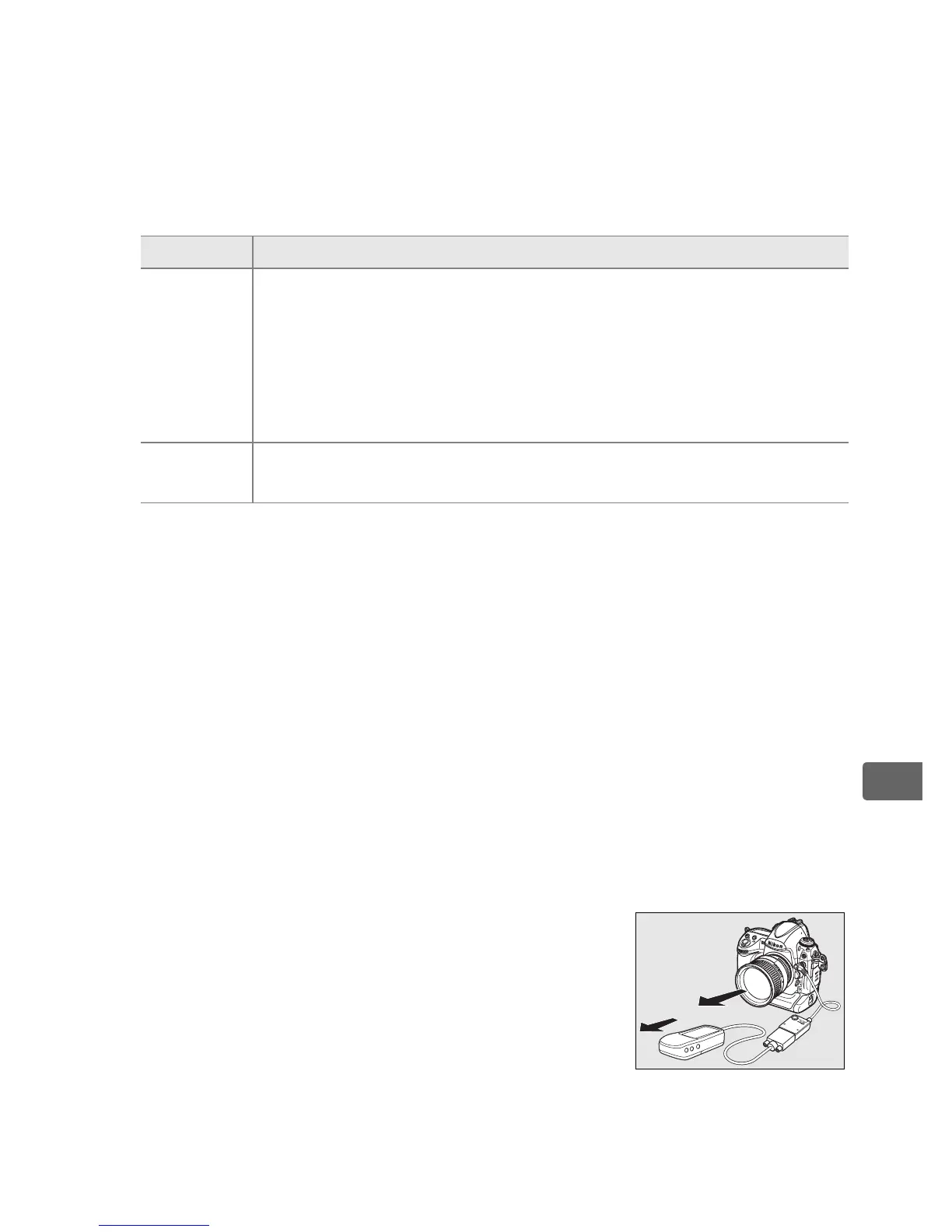
A Heading
The heading is only recorded if the GPS device is
equipped with a digital compass. Keep the GPS
device pointing in the same direction as the lens
and at least 20 cm (8 in.) from the camera.
A Coordinated Universal Time (UTC)
UTC data is provided by the GPS device and is independent of the camera
clock.
Option Description
Enable
(default)
Exposure meters will turn off automatically if no operations
are performed for the period specified in Custom Setting c2
[Auto meter-off delay]. This reduces the drain on the
battery but may prevent GPS data from being recorded if
the shutter-release button is pressed all the way down
without pausing.
Disable
Exposure meters will not turn off while a GPS unit is
connected; GPS data will always be recorded.



 To Next Page