240
I
2 a is displayed if [DX format (24 × 16)] was selected for the [Image area]
option (pg. 60) in the shooting menu, b if [5 : 4 (30 × 24)] was selected. No
icon is displayed when [FX format (36 × 24)] is selected.
1
/
8000
,
F2
.
8
H
I-0
.
3 85
mm
–
1. 3
+
1
.
3 REAR
10000 A6,
M
1
L
N
I
KO
N
D
3
1/ 10
100
NC_
D3
D
S
C
_0001. JPG
15
/
12
/
2007 10
:
16
:
00
4256x2832
N
18
19
20
28
29
30
2526 2324 2227 21
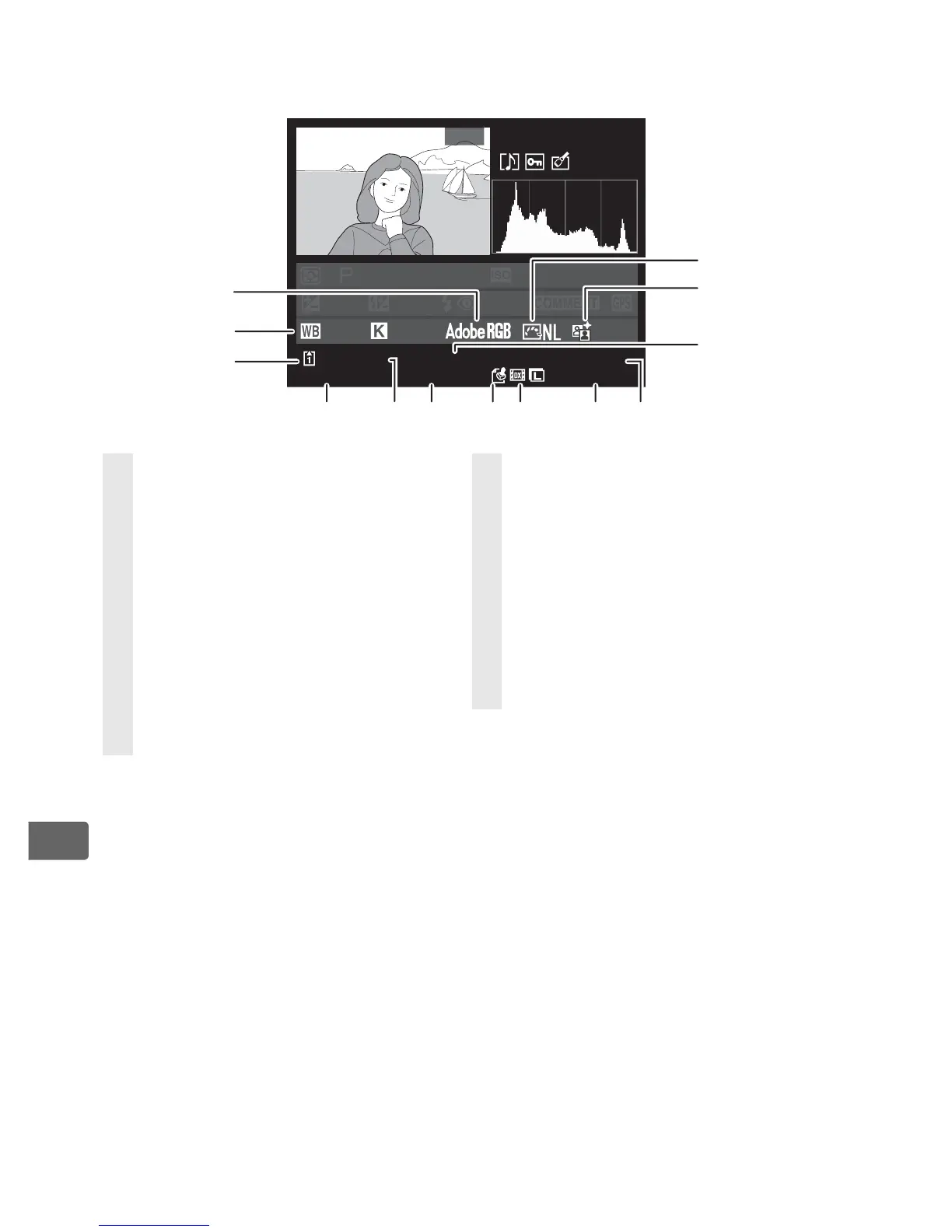
18 Picture Control........................... 166
19 Active D-Lighting...................... 185
20 File name ..................................... 296
21 Image quality ................................65
22 Image size.......................................69
23 Image area
2
...................................60
24 Image authentication
indicator....................................... 354
25 Time of recording ........................39
26 Folder name ................................293
27 Date of recording ........................ 39
28 Slot number................................... 42
29 White balance.............................144
Color temperature ....................151
White balance fine-tuning .....147
Preset manual ............................152
30 Color space ..................................187



 To Next Page