246
I
A Voice Memos
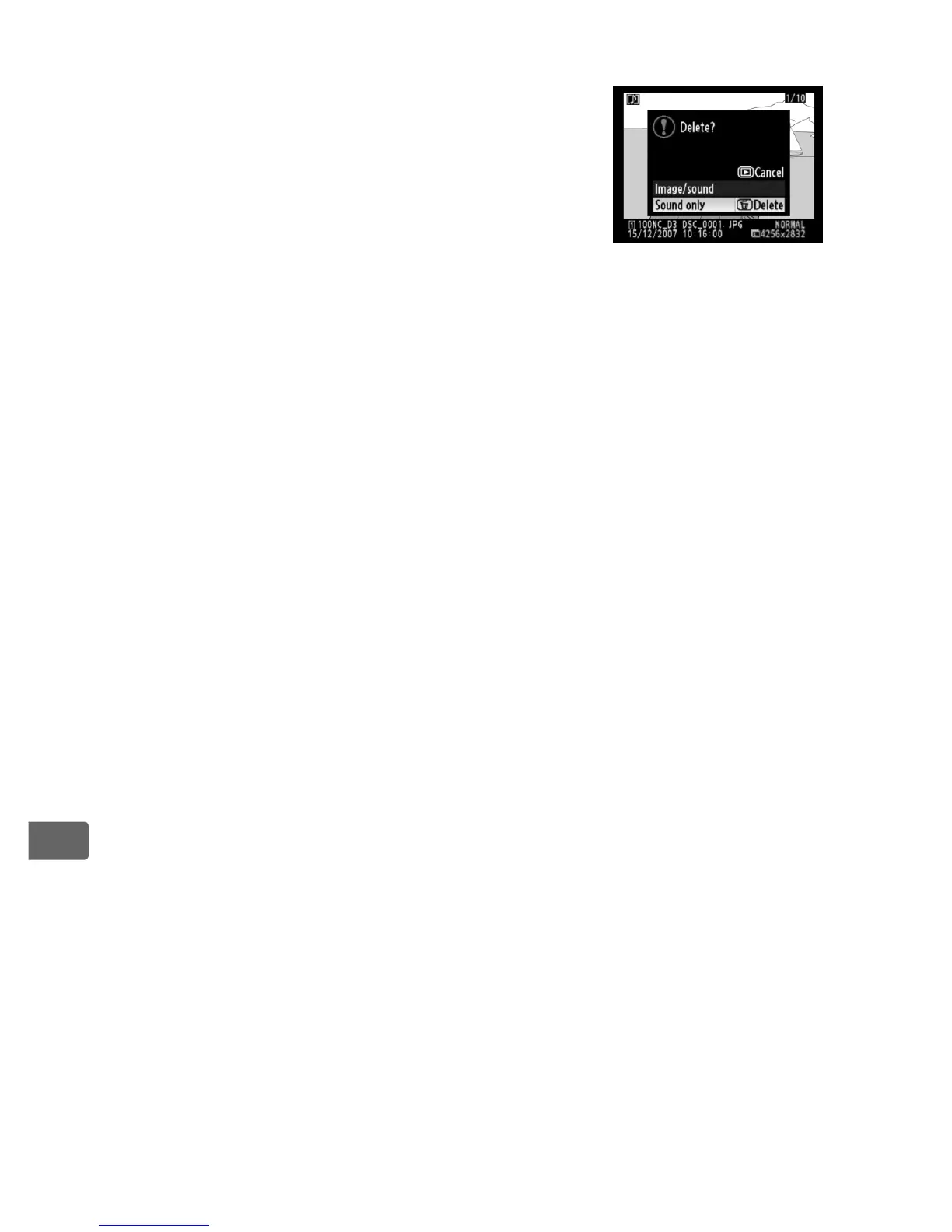
If a voice memo has been recorded with the
selected image, the confirmation dialog shown
at right will be displayed when the O button is
pressed.
• [Image/sound]: Select this option and press the O
button to delete both photo and voice memo.
• [Sound only]: Select this option and press the
O button to delete only the voice memo.
To exit without deleting either voice memo or photo, press 4 or 2.
A See Also
To delete multiple images, use the [Delete] option in the playback menu
(pg. 281). The [After delete] option in the playback menu determines
whether the next image or the previous image is displayed after an image
is deleted (pg. 287).



 To Next Page