362
U
4 Create a retouched copy.
Press J to create a retouched copy.
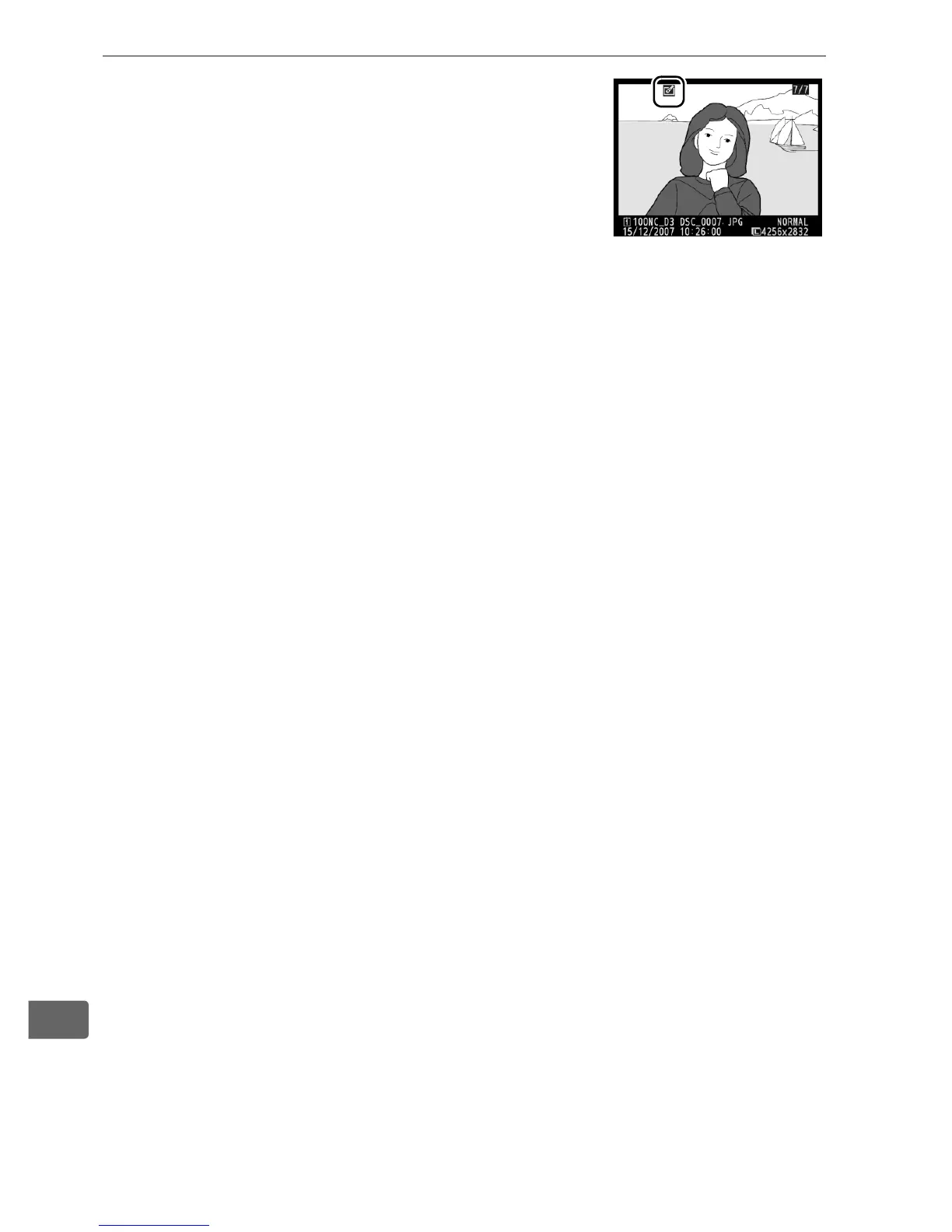
Retouched copies are indicated by a N
icon.
D Retouching Copies
Copies created with [Trim] can not be further modified.
D-lighting,
red-eye correction, filter effects, and color balance can not be applied to
monochrome copies.
Otherwise the options in the retouch menu can
each be applied once to existing copies, although this may result in loss of
detail.
A Image Quality
Except in the case of copies created with [Trim] (pg. 366) and [Image
overlay], copies created from JPEG images are the same size and quality as
the original, copies created from NEF (RAW) photos are saved as large
fine-quality JPEG images, and copies created from TIFF (RGB) photos are
saved as fine-quality JPEG images of the same size as the original.
Size-
priority compression is used when copies are saved in JPEG format.



 To Next Page