419
n
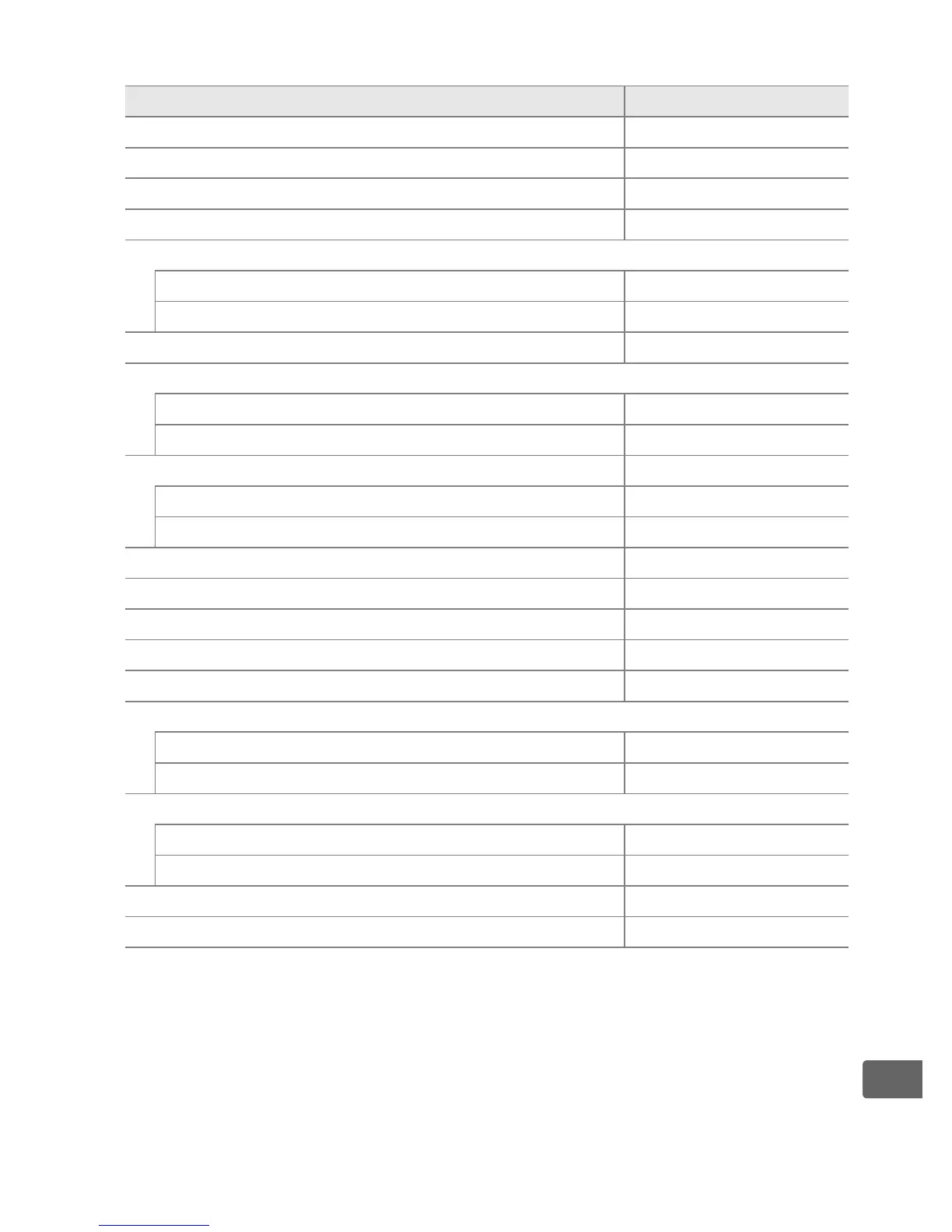
❚❚ Defaults Restored with [Reset Shooting Menu] (pg. 293)
1
Option Default
[File naming] (pg. 296) DSC
[Slot 2] (pg. 71) Overflow
[Image quality] (pg. 65) JPEG normal
[Image size] (pg. 69) Large
[Image area] (pg. 60)
[Auto DX crop] (pg. 60) On
[Choose image area] (pg. 61) FX format (36 × 24)
[JPEG compression] (pg. 67) Size priority
[NEF (RAW) recording] (pg. 68)
[Type] (pg. 68) Lossless compressed
[NEF (RAW) bit depth] (pg. 68) 12-bit
[White balance] (pg. 144) Auto
Fine tuning (pg. 147) Off
[Choose color temp.] (pg. 151) 5000K
[Set Picture Control] (pg. 166) Standard
[Color space] (pg. 187) sRGB
[Active D-Lighting] (pg. 185) Off
[Long exp.
NR] (pg. 299) Off
[High ISO NR] (pg. 299) Normal
[ISO sensitivity settings] (pg. 108)
[ISO sensitivity] (pg. 108) 200
[ISO sensitivity auto control] (pg. 110) Off
[Live view] (pg. 90)
[Live view mode] (pg. 91) Hand-held
[Release mode] (pg. 92) Single frame
[Multiple exposure] (pg. 208) Reset
2
[Interval timer shooting] (pg. 213) Reset
3
1 With the exception of [Multiple exposure] and [Interval timer
shooting], only settings in the current shooting menu bank will be
reset.
2 Applies to all banks.
[Reset shooting menu] can not be selected while
shooting is in progress.
3 Applies to all banks.
Shooting ends when reset is performed.



 To Next Page