21
X
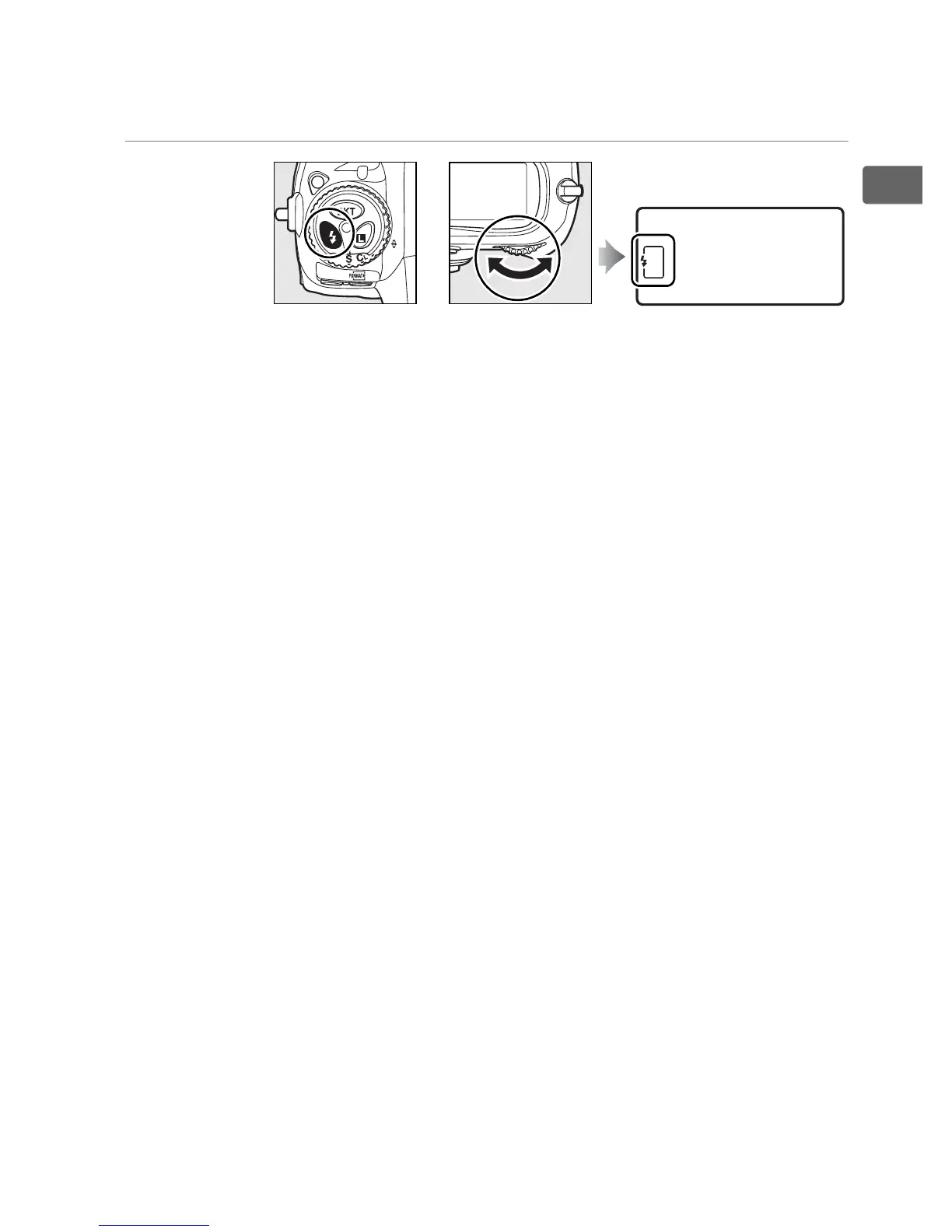
❚❚ Flash Settings
Press the M button and rotate the main command dial.
Choose flash
mode (pg. 199)
A The Fn Button
Depending on the option selected for Custom Setting f4 ([Assign FUNC.
button], pg. 331), the Fn button and command dials can be used to select
shutter speed and aperture in steps of 1 EV, choose pre-specified lens data
for non-CPU lenses, or select the focus point.
A The Depth-of-Field Preview and AE-L/AF-L Buttons
Depending on the options selected for Custom Settings f5 ([Assign
preview button], pg. 337) and f6 ([Assign AE-L/AF-L button], pg. 338), the
depth-of-field preview and AE-L/AF-L buttons can be used with the
command dials to perform the same functions as the Fn button.
M button Main command dial Top control panel
+



 To Next Page