19
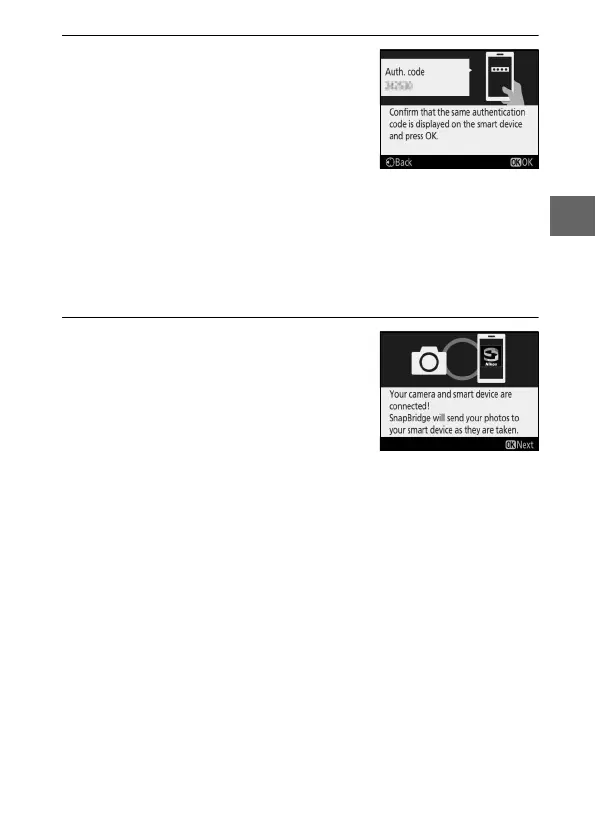
4 Check the authentication code (note
that the code may not be displayed
in some versions of iOS, but you
should follow the steps below even if
the code is not displayed).
After confirming that the camera and
smart device display the same six-
digit authentication code, follow the
steps below to complete pairing.
• On the camera, press J.
• On the smart device, tap Pairing (the name of the button varies
with the smart device).
5 Press J when the dialog at right is
displayed.
You have now established a constant
connection between the camera and
smart device.
If the camera displays
Unable to connect., the display will
change after a short pause.
Return to
Step 3.



 To Next Page