92
k
4 Frame a picture in the monitor.
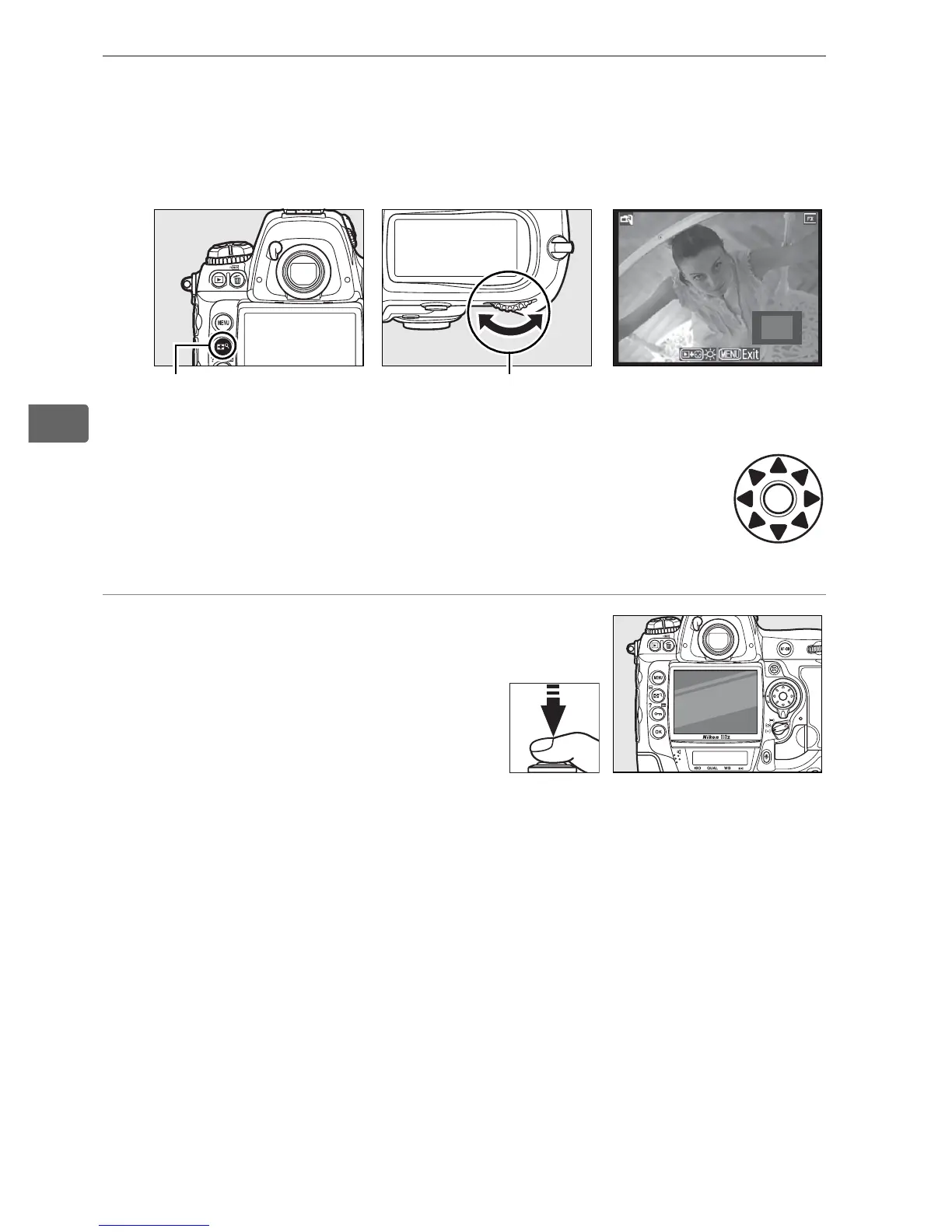
To magnify the view in the monitor up to 13 ×, press the N
button while rotating the main command dial.
While the view through the lens is zoomed in, a
navigation window will appear in the bottom right
corner of the display. Use the multi selector to scroll
within the AF area brackets.
5 Focus.
Autofocus (focus mode S or C):
Press the shutter-release
button halfway or press an
B button.
The camera will
focus normally and set
exposure.
Note that the mirror will click back into place while
either button is pressed, temporarily interrupting live view.
Live view is restored when the button is released.
Manual focus (focus mode M; pg. 83): Focus using the lens
focusing ring.
N button Main command
dial



 To Next Page