283
U
Copy Image(s)
Copy photographs from the memory card in slot 1 to the memory
card in slot 2.
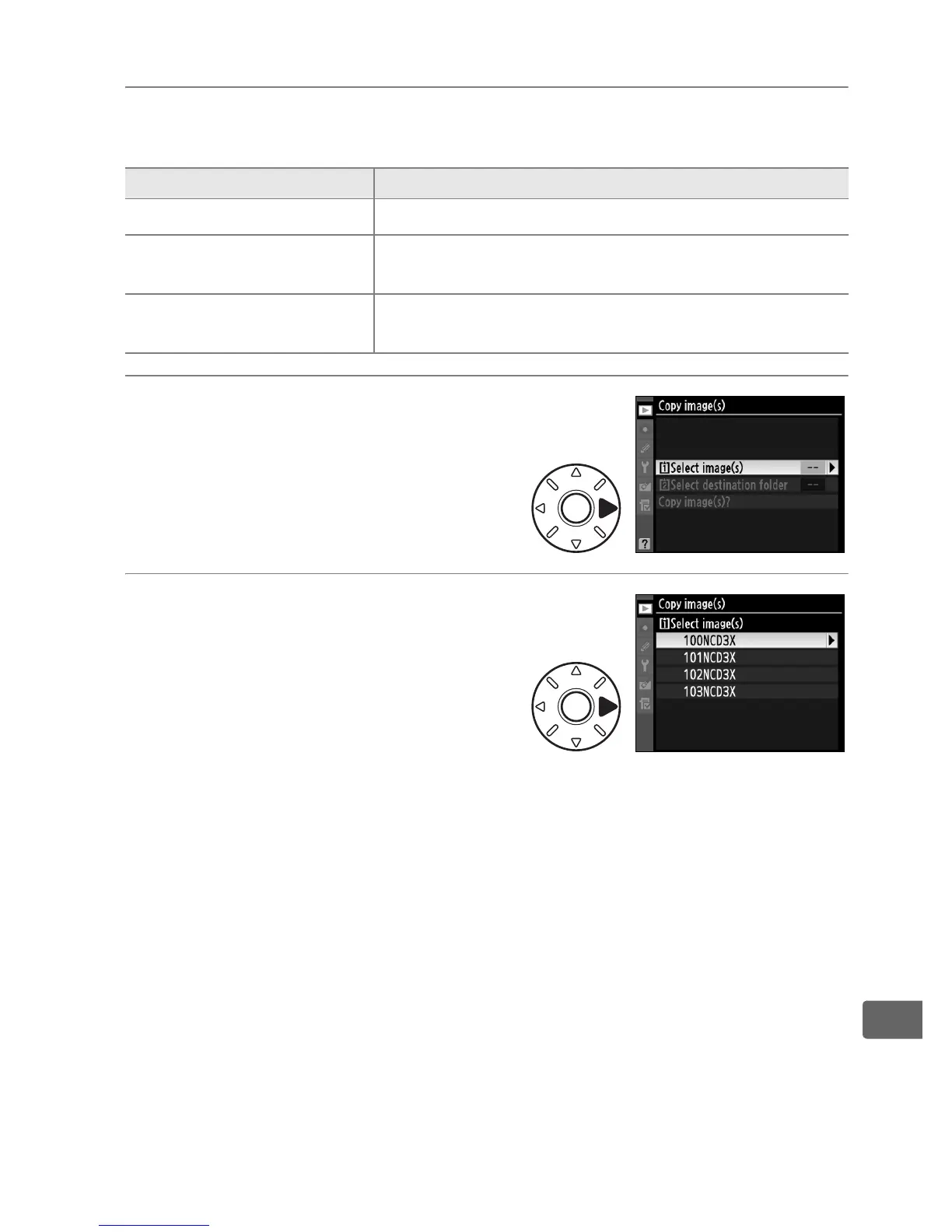
1 Choose [Select image(s)].
Highlight [Select image(s)] and
press 2.
2 Choose the source folder.
Highlight the folder containing
the images to be copied and
press 2.
Option Description
i
Select image(s)
Select photographs from memory card in slot 1.
j
Select destination
folder
Select destination folder on memory card in
slot 2.
Copy image(s)?
Copy selected photographs to specified
destination.



 To Next Page