293
U
Reset Shooting Menu
Choose whether to restore default settings for the current
shooting menu bank. See page 423 for a list of default settings.
With the exceptions of image quality, image size, white balance,
and ISO sensitivity, shooting menu settings are not reset when a
two-button reset (pg. 204) is performed.
Active Folder
Select the folder in which subsequent images will be stored.
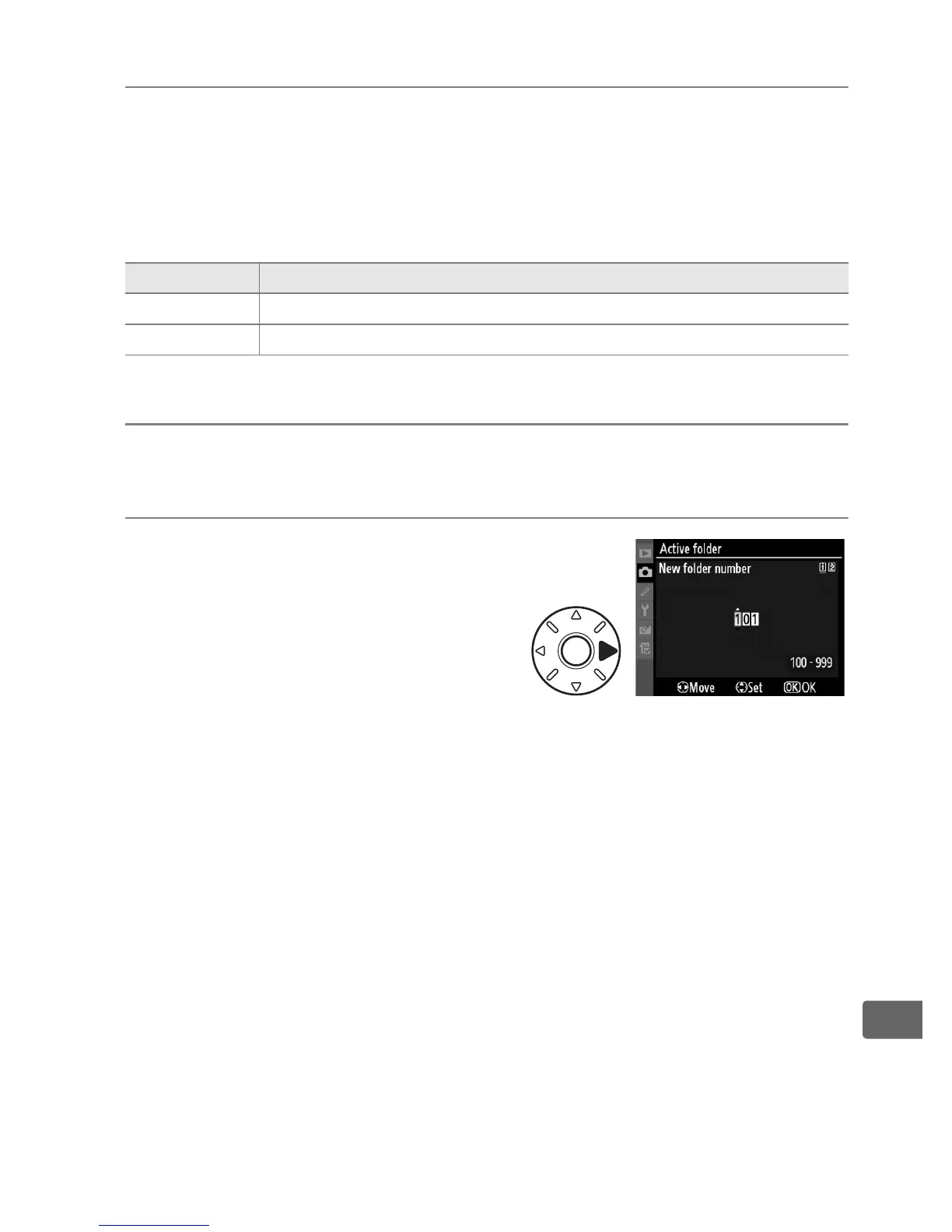
❚❚ New Folder Number
1 Select [New folder
number].
Highlight [New folder number]
and press 2.
Option Description
Ye s Restore defaults for the current shooting menu bank.
No (default) Exit without changing shooting menu settings.



 To Next Page