245
I
Deleting Individual Photographs
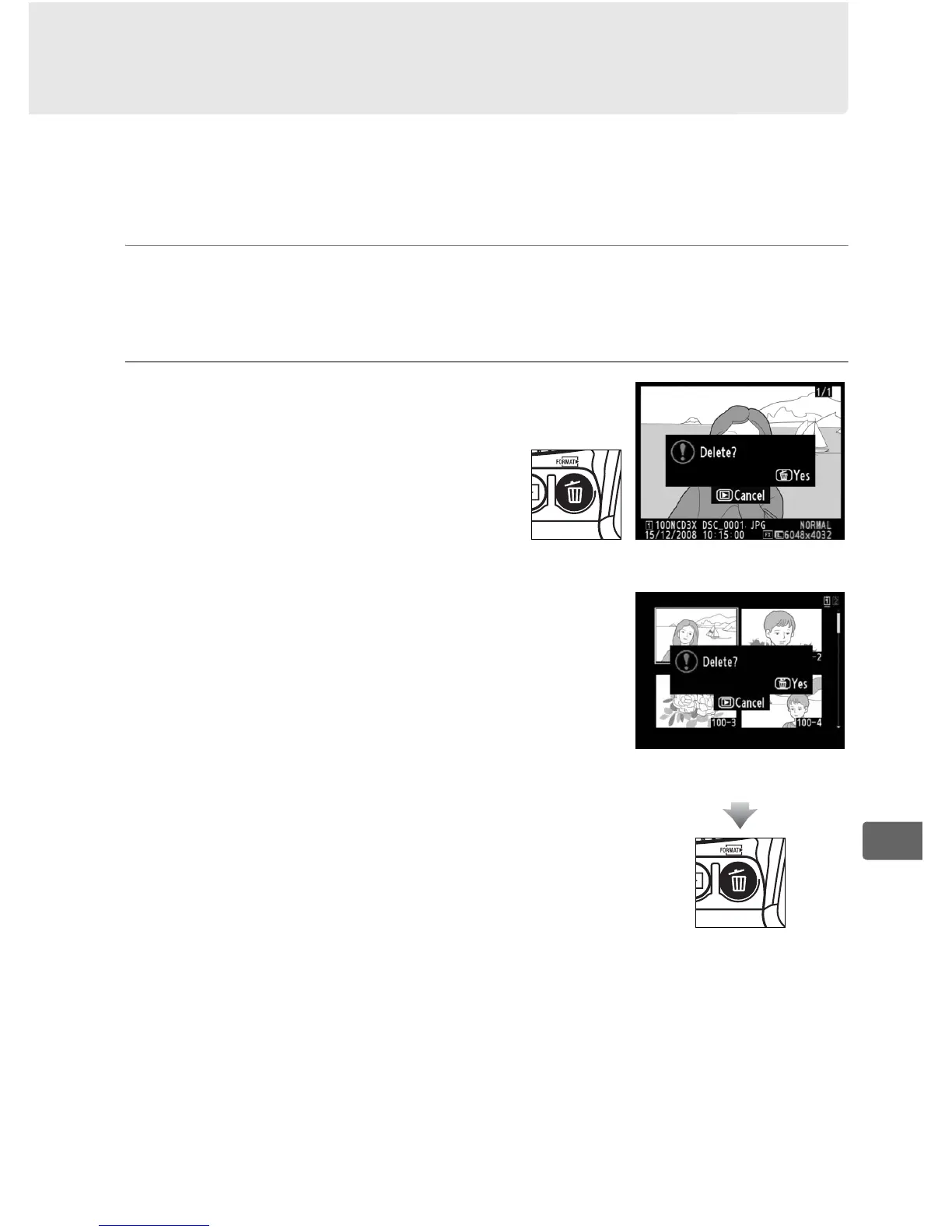
To delete the photograph displayed in full-frame playback or the
photograph highlighted in the thumbnail list, press the O button.
Once deleted, photographs can not be recovered.
1 Select an image.
Display the image or highlight it in the thumbnail list.
2 Press the O button.
A confirmation dialog will be
displayed.
To delete the photograph, press the O
button again.
To exit without deleting
the photograph, press the K button.
Full-frame playback
Thumbnail playback



 To Next Page