171
J
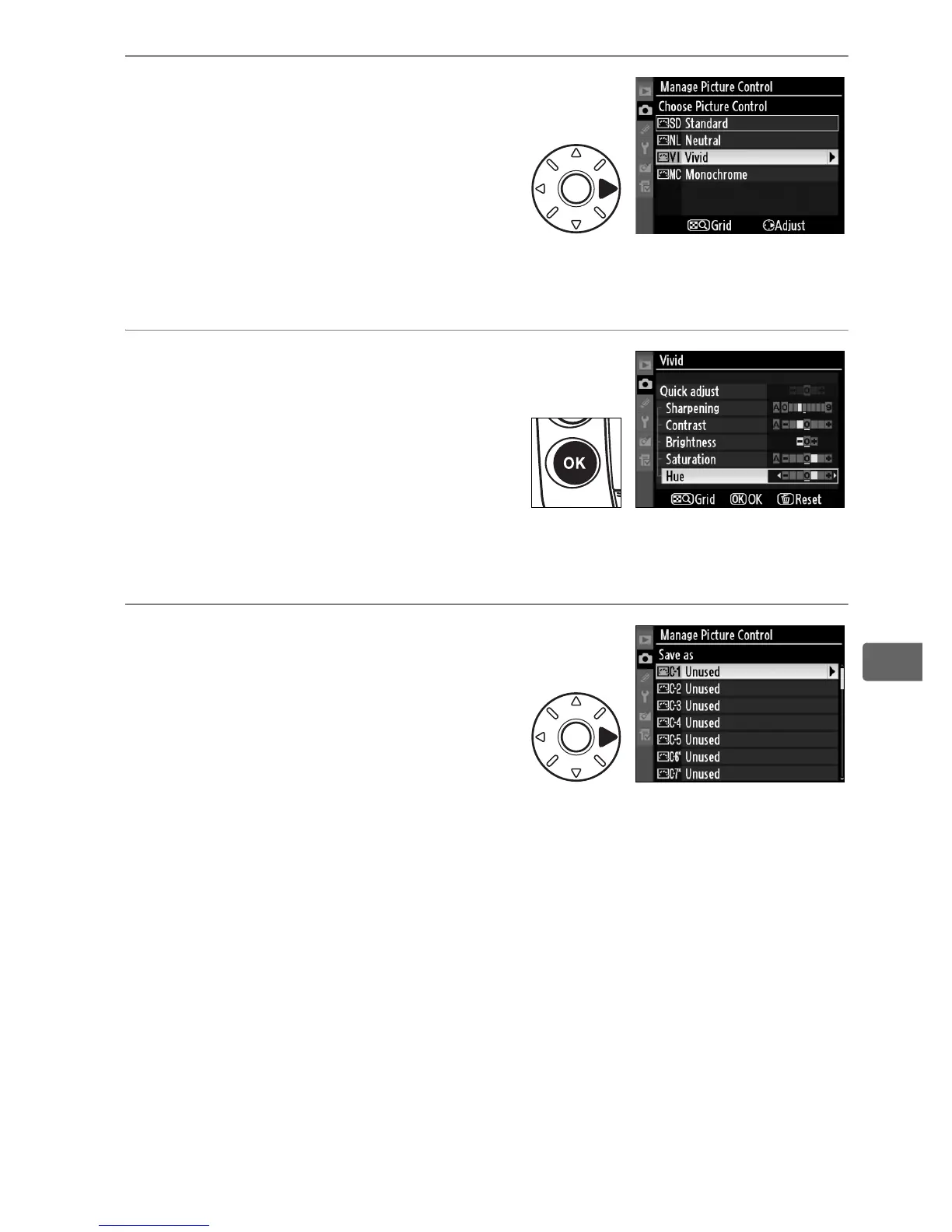
3 Select a Picture Control.
Highlight an existing Picture
Control and press 2, or press J
to proceed to step 5 to save a
copy of the highlighted Picture
Control without further
modification.
4 Edit the selected control.
See page 167 for more
information.
To abandon any
changes and start over from
default settings, press the O
button.
Press J when settings
are complete.
5 Select a destination.
Choose a destination for the
custom Picture Control (C-1
through C-9) and press 2.



 To Next Page