252
e
A Interrupting Recording
Recording will end automatically if:
• The G button is pressed to display the menus
• The K button is pressed
• The shutter-release button is pressed halfway
• The camera is turned off
During interval timer photography, recording will end automatically
about two seconds before the next photograph is taken.
A After Recording
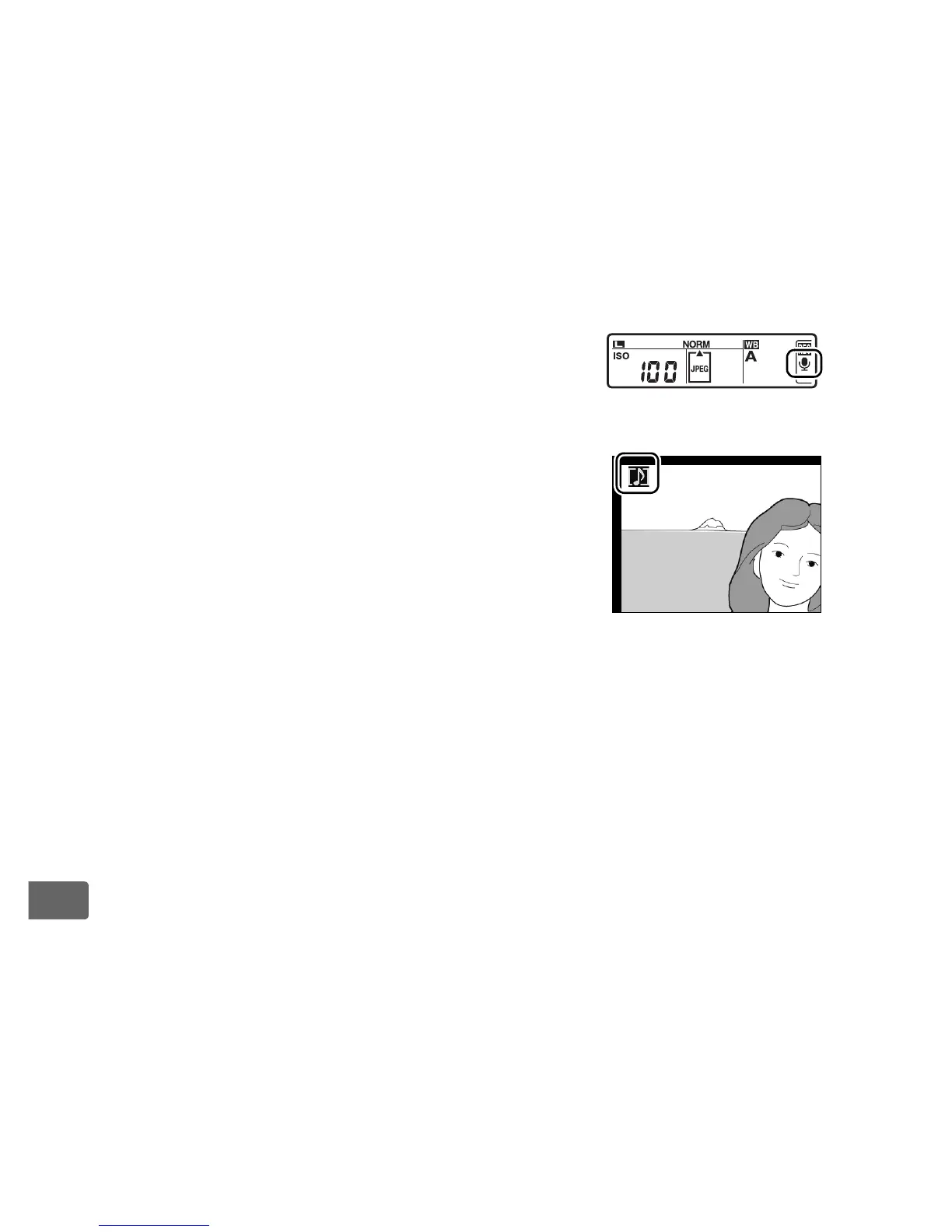
If a voice memo has been recorded for the most
recent photograph, a C icon will be displayed in
the rear control panel.
If a voice memo exists for the photograph
currently selected in playback mode, a h icon
will be displayed in the monitor.
A Voice Memo File Names
Voice memos are stored as WAV files with names of the form
“xxxxnnnn.WAV,” where “xxxxnnnn” is a file name copied from the image
with which the voice memo is associated.
For example, the voice memo
for the image “DSC_0002.JPG” would have the file name “DSC_0002.WAV.”
Voice memo file names can be viewed on a computer.
Rear control panel



 To Next Page