14 Introduction: First Steps
Adjusting Viewfinder Focus
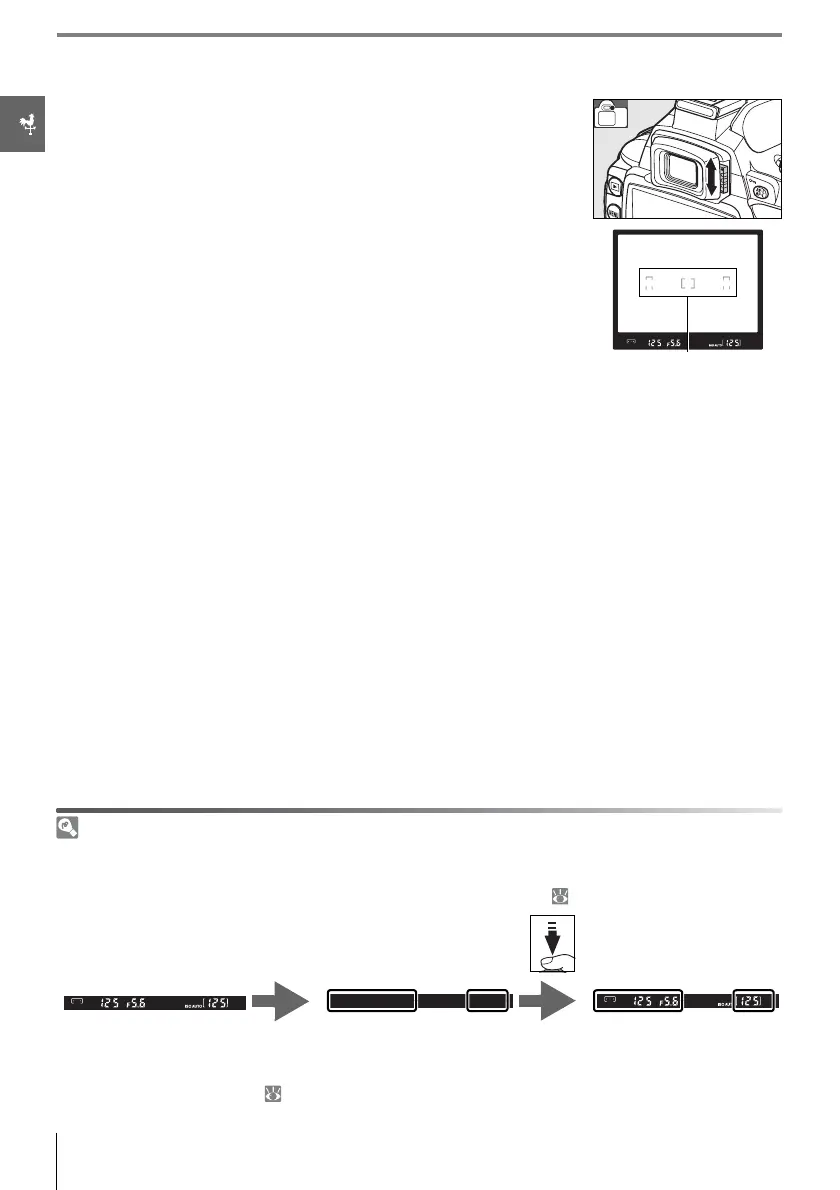
Photographs are framed in the viewfinder. Before shooting, make
sure that the display in the viewfinder is in clear focus. The view-
finder can be focused by removing the lens cap and sliding the
diopter adjustment control up and down until the focus brackets
are in sharp focus. When operating the diopter adjustment con-
trol with your eye to the viewfinder, be careful not to put your fin-
gers or fingernails in your eye.
Auto Meter Off
At default settings, the viewfinder and shooting information display will turn off if no operations are
performed for about eight seconds (auto meter off ), reducing the drain on the battery. Press the shut-
ter-release button halfway to reactivate the display in the viewfinder ( 17).
The length of time before the exposure meters turn off automatically can be adjusted using Custom
Setting 15 (Auto off timers; 78).
8s
Exposure meters on Exposure meters off Exposure meters on
Focus brackets



 To Next Page