Menu Guide/Custom Settings 77
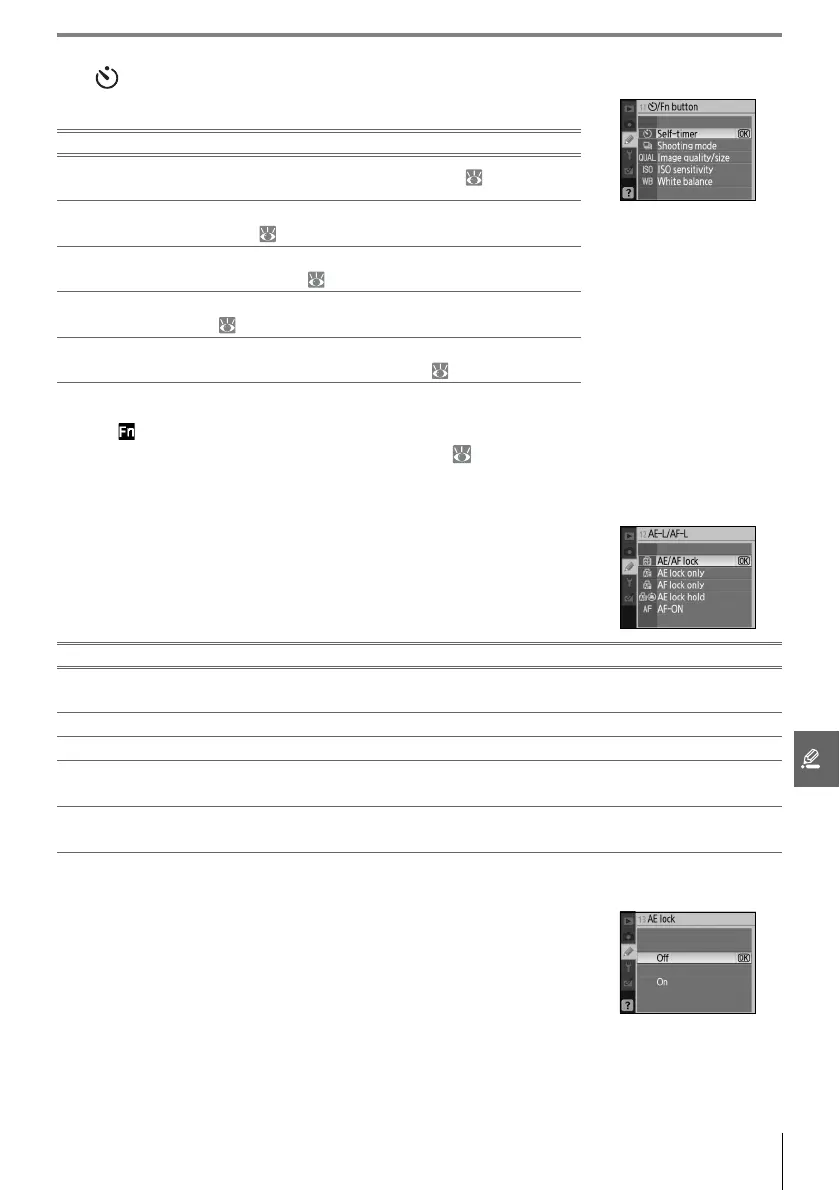
11: /Fn Button
Choose the function performed by the Fn button.
At settings other than Self-timer (the default option), the shooting information display will
show a icon to the left of the setting that can be adjusted by pressing the Fn button and
rotating the command dial (“Classic” display only; 81).
12: AE-L/AF-L
Choose the function performed by the AE-L/AF-L button.
13: AE Lock
If Off (the default option) is selected, pressing the shutter-release
button halfway does not lock exposure. If On is selected, expo-
sure will lock when the shutter-release button is pressed halfway.
Option Description
Self-timer
(default)
Press the Fn button to select self-timer mode ( 33).
Shooting
mode
Press the Fn button and rotate the command dial to select
shooting mode ( 32).
Image
quality/size
Press the Fn button and rotate the command dial to select
image quality and size ( 29).
ISO
sensitivity
Press the Fn button and rotate the command dial to select ISO
sensitivity ( 37).
White
balance
Press the Fn button and rotate the command dial to select
white balance (P, S, A, and M modes only; 49).
Option Description
AE/AF lock
(default)
Both focus and exposure lock while the AE-L/AF-L button is pressed.
AE lock only Exposure locks while the AE-L/AF-L button is pressed. Focus is unaffected.
AF lock only Focus locks while the AE-L/AF-L button is pressed. Exposure is unaffected.
AE lock hold
Exposure locks when the AE-L/AF-L button is pressed and remains locked until the button is
pressed again or the exposure meters turn off.
AF-ON
The AE-L/AF-L button initiates autofocus. The shutter-release button can not be used to
focus.



 To Next Page