Menu Guide/Playback Options: The Playback Menu 65
Playback Options: The Playback Menu
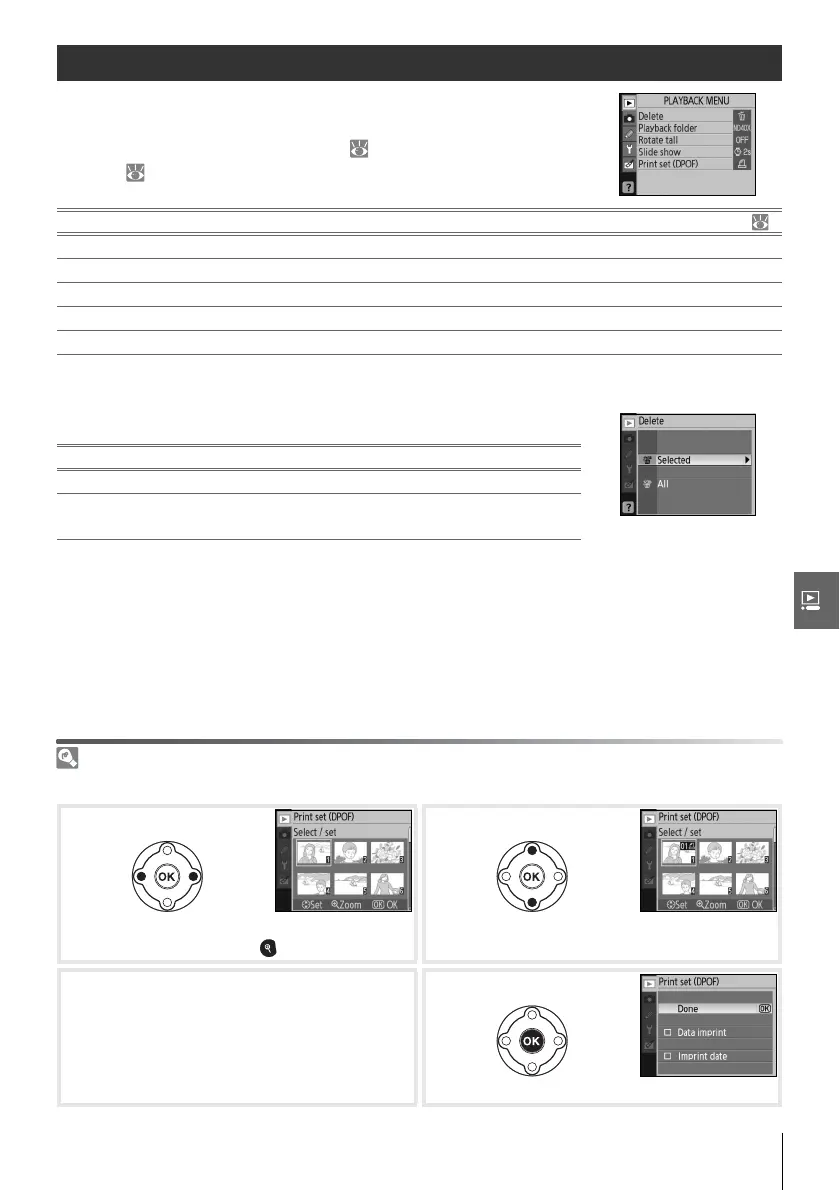
The playback menu contains the following options (options dis-
played may differ if My menu is selected for the CSM/Setup
menu option in the setup menu; 80). See “Using Camera
Menus” ( 63) for more information on using the menus.
Delete
The delete menu contains the following options:
If the number of photographs to be deleted is very large, some time may be needed to
complete the operation.
Selecting Multiple Pictures
To select multiple pictures for deletion:
Option Description
Delete Delete all or selected photos. 65
Playback folder Choose folder for playback. 66
Rotate tall Rotate “tall” (portrait-orientation) photos during playback. 66
Slide show Play photos back in automatic slide shows. 67
Print set (DPOF) Select photos for printing. 67
Option Description
Selected Delete selected photographs (see below).
All
Delete all photographs in the folder currently selected for
playback.
Highlight picture. To view highlighted picture
full frame, press button.
Select highlighted picture.
Selection shown by icon.
3
Repeat steps 1–2 to select additional pic-
tures. To deselect picture, highlight and
press multi selector down.
Complete operation.



 To Next Page