Reference 21
Reference
This section builds on the Tutorial to cover more advanced shooting and playback options.
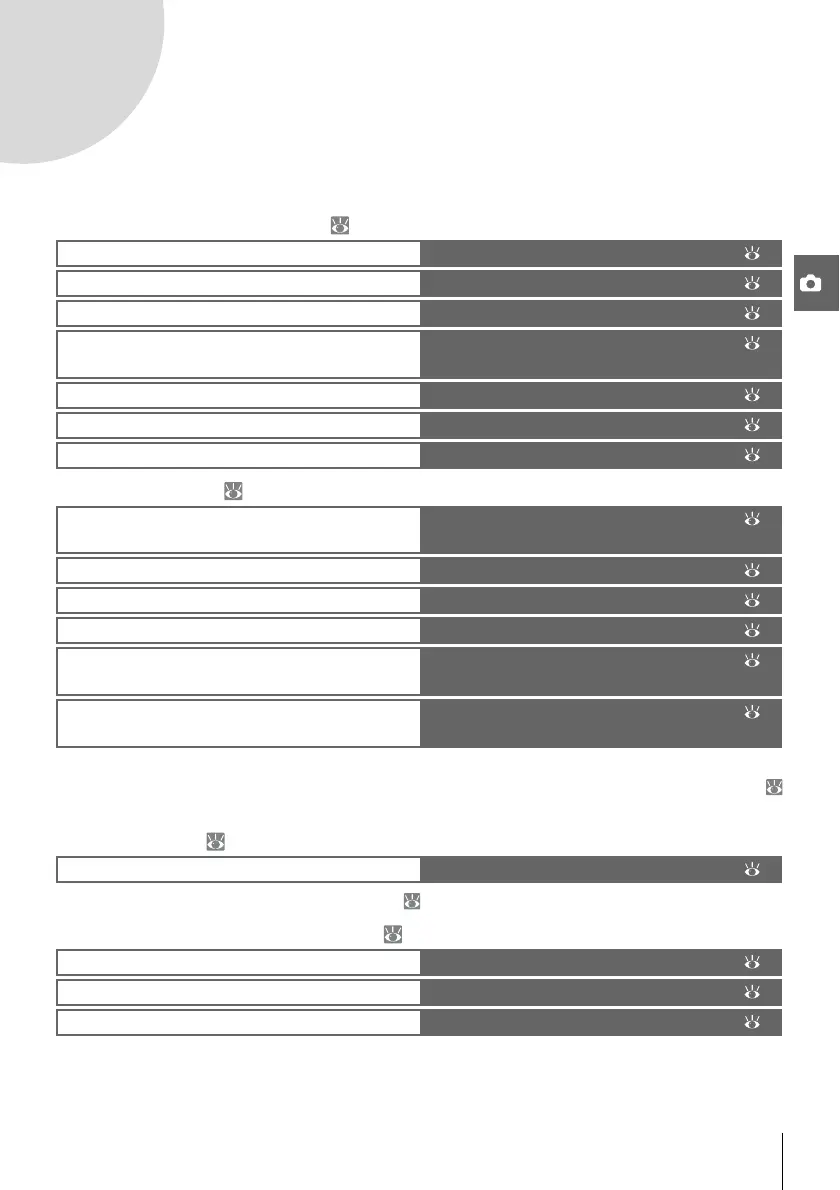
More on Photography (All Modes): 22
P, S, A, and M Modes: 39
See the Menu Guide for information on other operations that can only be performed in P, S, A, and M
modes, including customizing sharpening, contrast, color saturation, and hue (“Optimize Image”;
68, 69).
More on Playback: 50
See the Menu Guide for other playback options ( 65–67).
Connecting to a Computer, Printer, or TV: 55
Use the shooting information display The Shooting Information Display: 22
Shoot a moving subject or focus manually
Focus: 23
Adjust image quality and size
Image Quality and Size: 29
Take photographs in one at a time, in bursts, or
using the self-timer or a remote control
Shooting Mode: 32
Use the built-in flash
Using the Built-in Flash: 34
Raise ISO sensitivity when lighting is poor
ISO Sensitivity: 37
Restore default settings
Two-Button Reset: 38
Let the camera choose shutter speed and aper-
ture
Mode P (Programmed Auto): 40
Freeze or blur motion
Mode S (Shutter-Priority Auto): 41
Choose whether to blur background objects
Mode A (Aperture-Priority Auto): 42
Choose shutter speed and aperture manually
Mode M (Manual): 43
Choose how the camera meters exposure, lock
exposure, adjust exposure and flash level
Exposure: 45
Make colors look natural
Take photos under unusual lighting
White Balance: 49
View photographs on the camera
Viewing Photographs on the Camera: 50
Copy photographs to a computer Connecting to a Computer: 55
Print photographs
Printing Photographs: 57
View photographs on TV
Viewing Photographs on TV: 62



 To Next Page