318
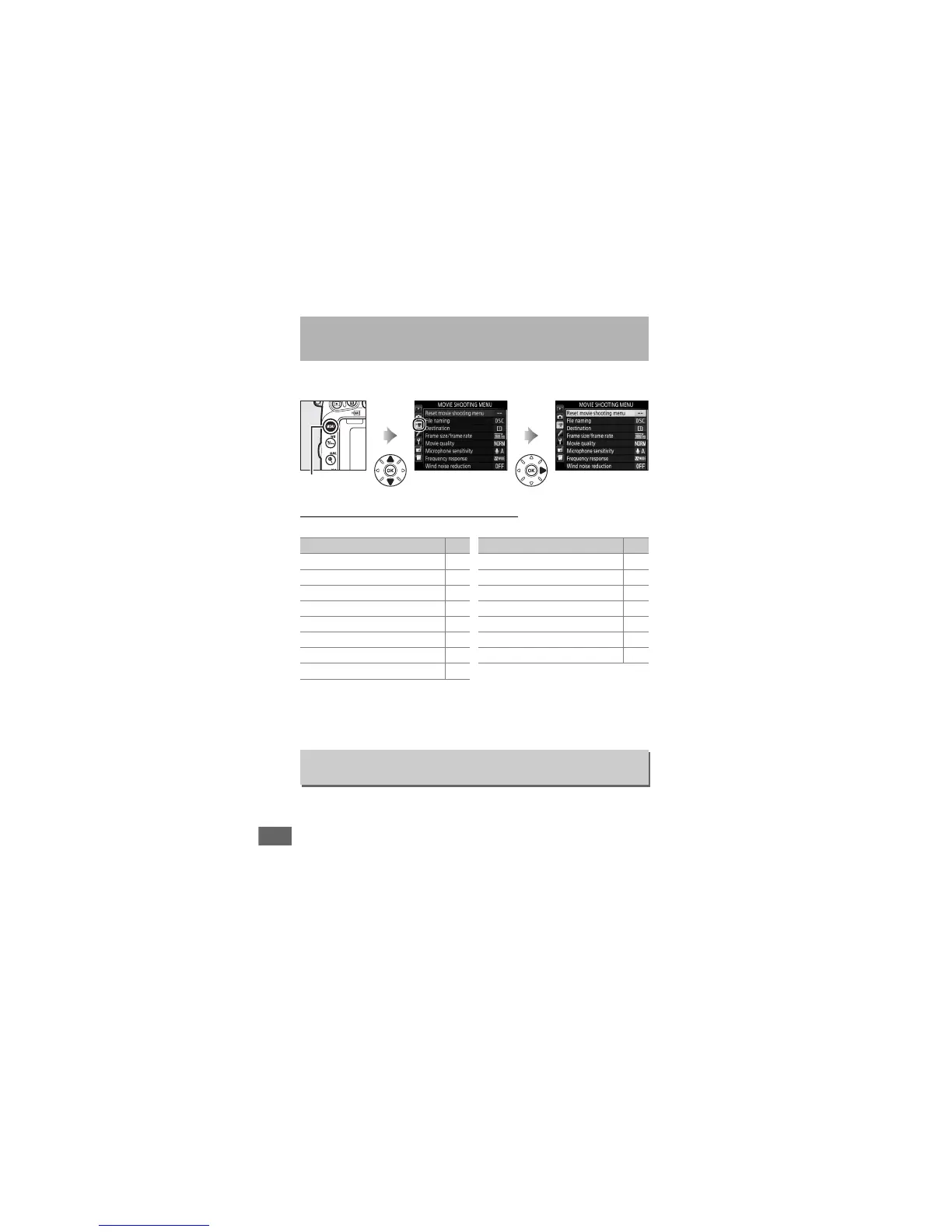
To display the movie shooting menu, press G and select the
1 (movie shooting menu) tab.
Movie Shooting Menu Options
The movie shooting menu contains the following options:
*Not included in the settings saved to U1 or U2 (0 99).
Note: Depending on camera settings, some items may be grayed out and
unavailable.
Select Ye s to restore movie shooting menu options to their
default values (0 294).
1 The Movie Shooting Menu:
Movie Shooting Options
G button
Option 0
Reset movie shooting menu
*
318
File naming 313
Destination 319
Frame size/frame rate 319
Movie quality 320
Microphone sensitivity 320
Frequency response 320
Wind noise reduction 321
Image area
*
76
White balance 321
Set Picture Control 321
Manage Picture Control
*
170
High ISO NR 317
Movie ISO sensitivity settings 322
Time-lapse photography
*
229
Option 0
Reset Movie Shooting Menu
G button ➜ 1 movie shooting menu



 To Next Page