18
D Using the Monitor
Rotate the monitor gently within the limits shown on page 17. Do not
use force. Failure to observe these precautions could damage the
camera or monitor. If the camera is mounted on a tripod, care should
be taken to ensure that the monitor does not contact the tripod.
Do not lift or carry the camera by the monitor.
Failure to observe this
precaution could damage the camera.
If the monitor is not being
used to take photographs, return it to the storage position.
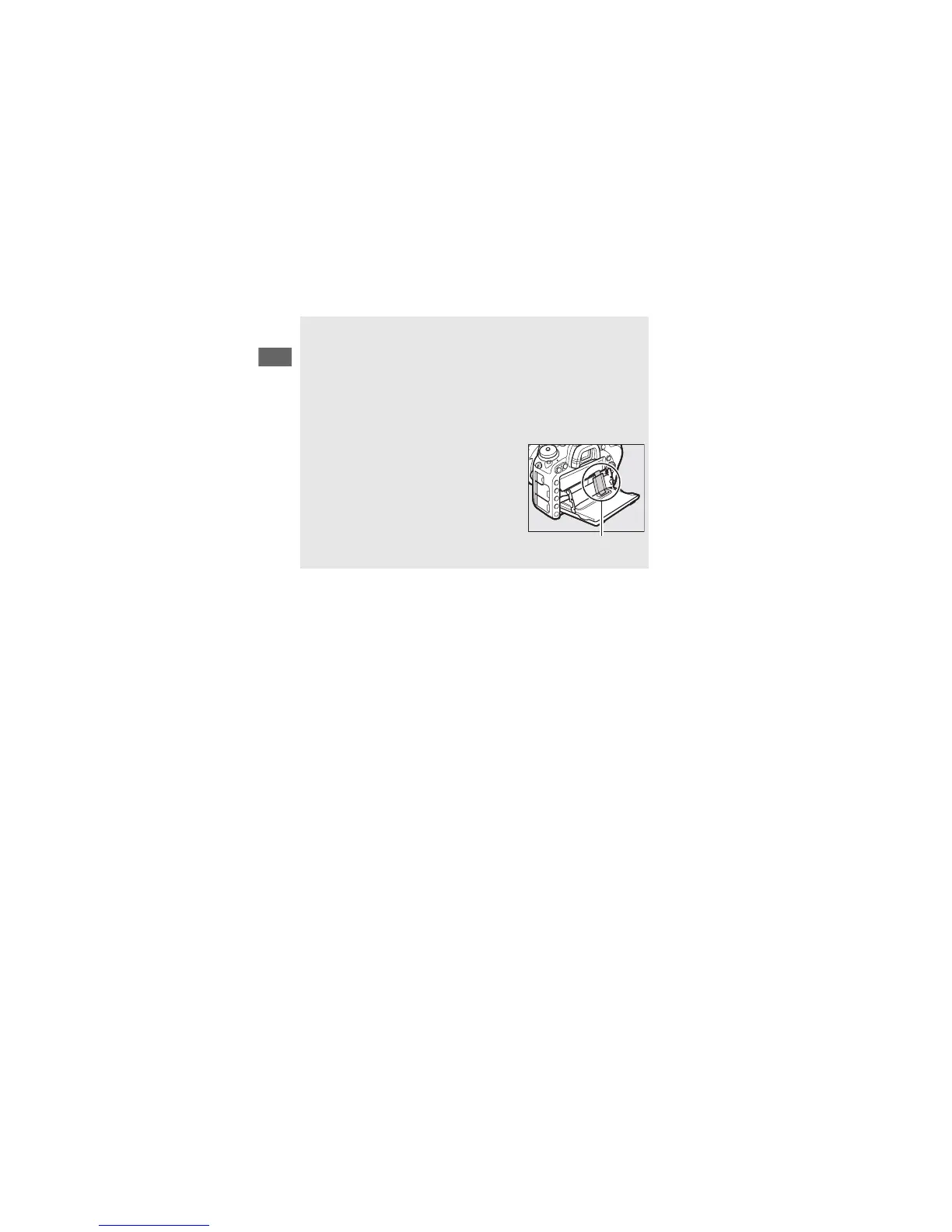
Do not touch the area to the rear of the
monitor or allow liquid to contact the inner
surface.
Failure to observe these
precautions could cause product
malfunction.
Be particularly careful
not to touch this area.



 To Next Page