60
Workfl ow
Before
Recording
Live View Menu Options Other Settings Recording
After
Recording
Appendix: The Picture Control Utility
Appendix: The Picture Control Utility
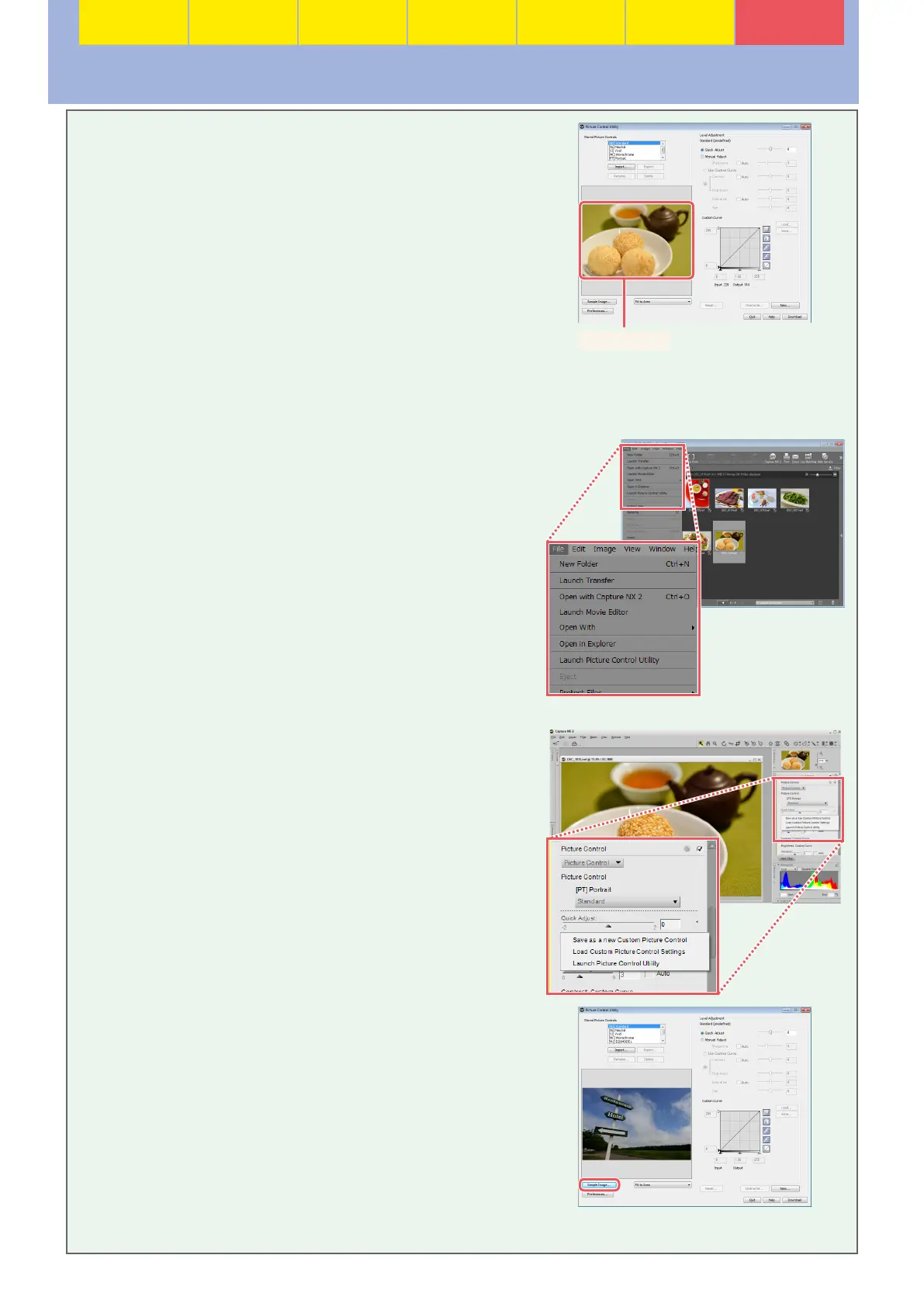
The Picture Control Utility is a computer application used
to manage Picture Controls. It also lets you modify Picture
Controls while previewing the eff ect on a sample image of
your choice. The modifi cations can be saved as custom Pic-
ture Controls.
Sample image
The Picture Control Utility can be launched from ViewNX 2 or Capture NX 2 (to download a free 60-
day trial of Capture NX 2, visit the Nikon support website for your region).
■ ViewNX 2
Select File > Launch Picture Control Utility. If an NEF (RAW)
image is selected when the utility is launched, the selected
picture will be used as the sample image.
■ Capture NX 2
Open an NEF (RAW) fi le and select Camera Settings > Pic-
ture Control in the “Develop” section of the Edit List, then
click the icon and select Launch Picture Control Utility.
When launched from Capture NX 2, the Picture Control Utility
displays a default sample image; to choose a diff erent image,
click Sample Image and select an NEF (RAW) fi le. Note that
the eff ects of Active D-Lighting are not visible in the sam-
ple image, and that NEF (RAW) images edited and saved in
Capture NX or Capture NX 2 can not be used.





 To Next Page