62
Appendix: The Picture Control Utility, Continued
Workfl ow
Before
Recording
Live View Menu Options Other Settings Recording
After
Recording
■ Level Adjustment
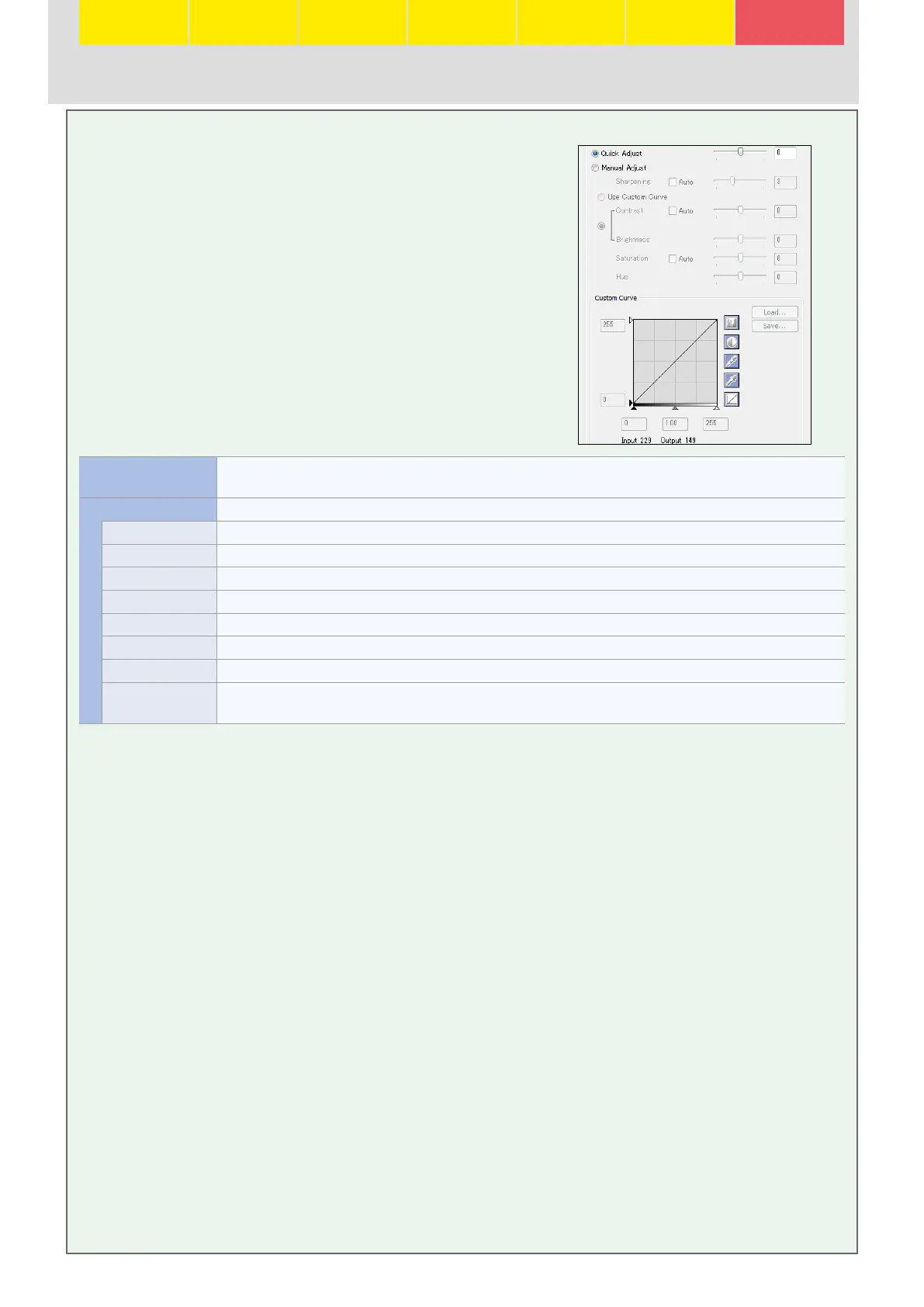
The Picture Control Utility can be used to adjust Picture
Control parameters or create custom tone curves. To adjust
Picture Control parameters, enter values in the text boxes
or select Auto to let the camera adjust the parameter auto-
matically according to the type of scene.
Quick Adjust Adjust the eff ect of the selected Picture Control by applying simultaneous adjustments to sharpening, contrast,
and saturation. Not available with [NL] Neutral, [MC] Monochrome, or custom Picture Controls.
Manual Adjust Adjust Picture Control parameters manually. Not available when Quick Adjust is selected.
Sharpening Control the sharpness of outlines. Move the slider left to soften outlines, right to sharpen outlines.
Use Custom Curve Adjust contrast and brightness using a custom tone curve. Not available when Contrast/Brightness is selected.
Contrast/Brightness Adjust contrast and brightness using the sliders. Not available when Use Custom Curve is selected.
Saturation Control the vividness of colors. Not available when a monochrome Picture Control is selected.
Hue Adjust hue. Not available when a monochrome Picture Control is selected.
Filter Eff ects Choose a fi lter eff ect from the menu (monochrome Picture Controls only).
Toning Choose a tint from the menu and adjust its saturation with the slider (monochrome Picture Controls only).
Custom Curve Edit the custom tone curve to adjust contrast and brightness. Click Save to save the curve, or Load to import a
previously saved curve.






 To Previous Page