214
t
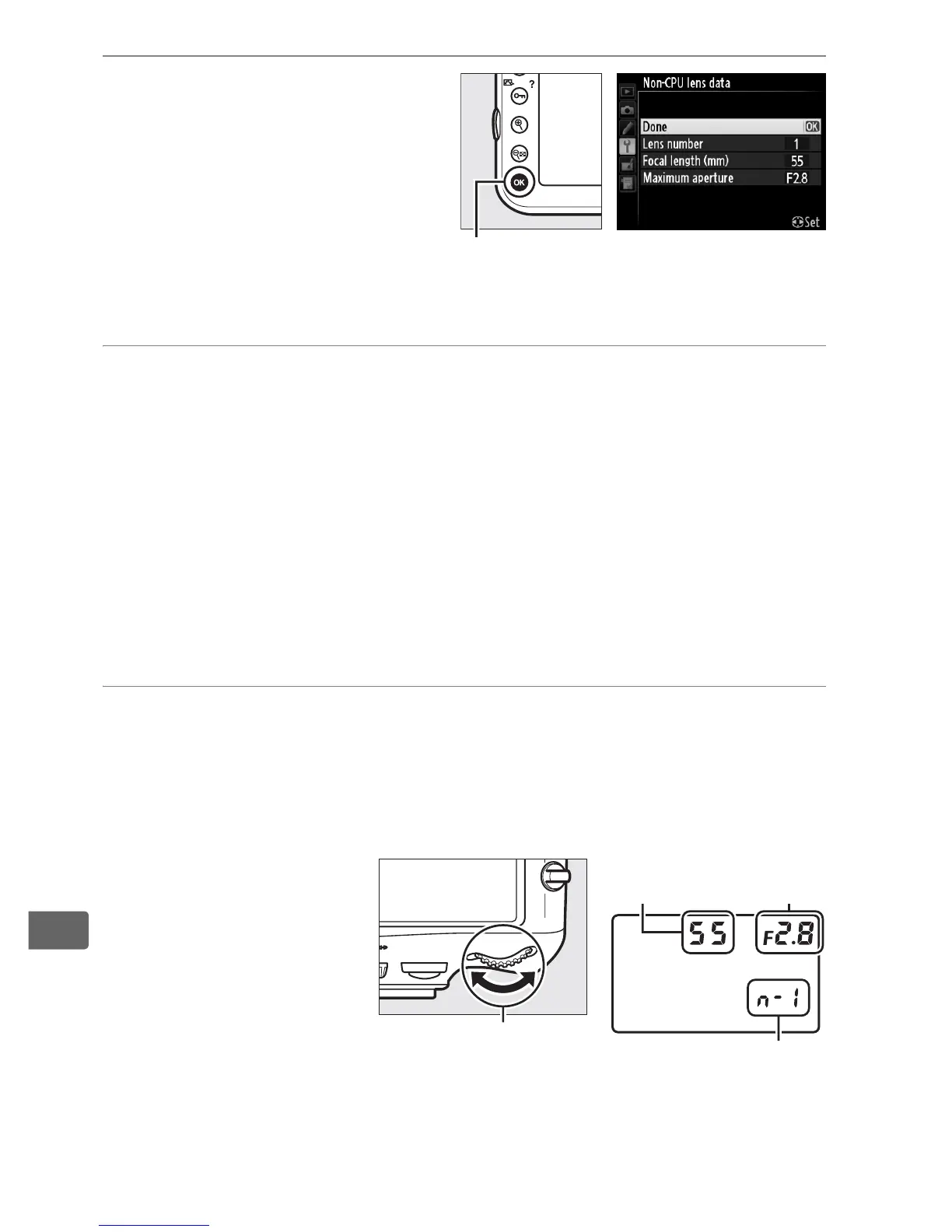
4 Select Done.
Highlight Done and press
J.
The specified focal
length and aperture will be
stored under the chosen
lens number.
To recall lens data when using a non-CPU lens:
1 Assign non-CPU lens number selection to a camera
control.
Select Choose non-CPU lens number as the “button +
command dials” option for a camera control in the Custom
Settings menu (0 314).
Non-CPU lens number selection can
be assigned to the Fn button (Custom Setting f4, Assign Fn
button, 0 311), the depth-of-field preview button (Custom
Setting f5, Assign preview button, 0 315), or the A AE-L/AF-L
button (Custom Setting f6, Assign AE-L/AF-L button, 0 315).
2 Use the selected control to choose a lens number.
Press the selected button and rotate the main or sub-
command dial until the desired lens number is displayed in
the control panel.
J button
Lens number
Main command dial
Focal
length
Maximum
aperture



 To Next Page