104
Custom Setting Menu—continued
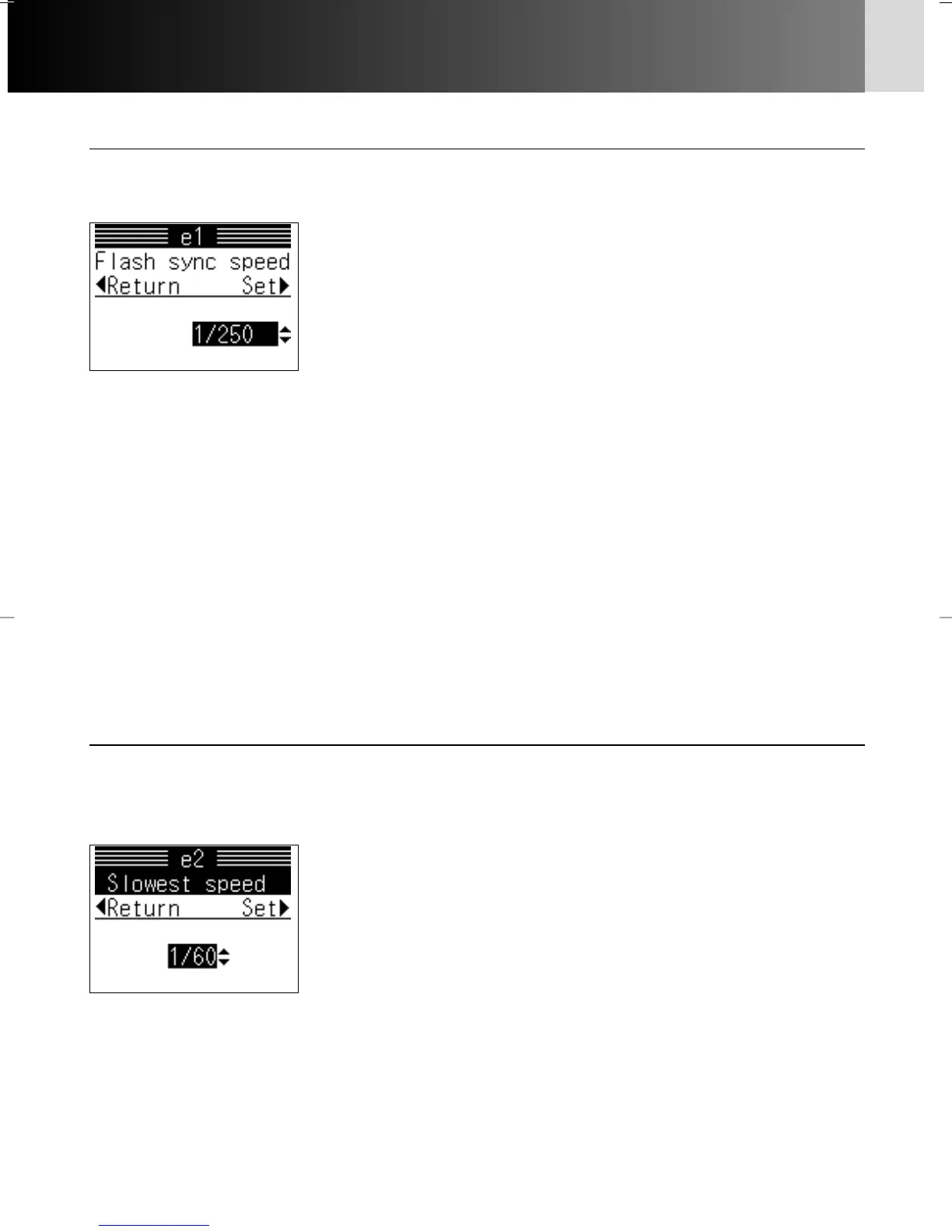
e1: Flash sync speed x 162
The top TTL flash sync speed can be changed (from 1/250 sec.) to any of the
following settings:
Options:
1/250: Top TTL flash sync speed of 1/250 sec.
1/250FP: Top TTL flash sync speed of 1/250 sec.; when
SB-800/SB-600 is attached and shutter speed is faster
than 1/250 sec., FP High-Speed Sync Flash is
automatically executed
1/200: Top TTL flash sync speed of 1/200 sec.
1/160: Top TTL flash sync speed of 1/160 sec.
1/125: Top TTL flash sync speed of 1/125 sec.
1/100: Top TTL flash sync speed of 1/100 sec.
1/80: Top TTL flash sync speed of 1/80 sec.
1/60: Top TTL flash sync speed of 1/60 sec.
e2: Slowest speed x 162
Slowest TTL flash sync speed in Programmed Auto or Aperture-Priority Auto
exposure mode can be changed (from 1/60 sec.) to any of the following
settings:
Options:
1/60: 1/60 sec.
1/30: 1/30 sec.
1/15: 1/15 sec.
1/8: 1/8 sec.
1/4: 1/4 sec.
1/2: 1/2 sec.
1”: 1 sec.
2”: 2 sec.
4”: 4 sec.
8”: 8 sec.
15”: 15 sec.
30”: 30 sec.
• When “X” shutter speed is selected in Shutter-Priority Auto or Manual exposure
mode, the shutter speed is automatically set to the speed set in “Flash sync speed”.
• See page 153 for details on FP High-Speed Sync Flash.
• Setting flash sync speed:
• Press > on the multi-selector after selecting “Sync speed”. Display for setting flash
sync speed appears.
• Press P/{ to select flash sync speed and > to set.
• The Slowest TTL flash sync speed is automatically set to 30 sec. in Slow Sync mode
(x 158).
• Setting shutter speed
• Press > on the multi-selector after selecting “Slowest speed”. Display for setting
shutter speed appears.
• Press P/{ to select shutter speed and > to set.
P930_En 04.10.19 7:19 PM Page 104



 To Next Page