107
Menu Guide
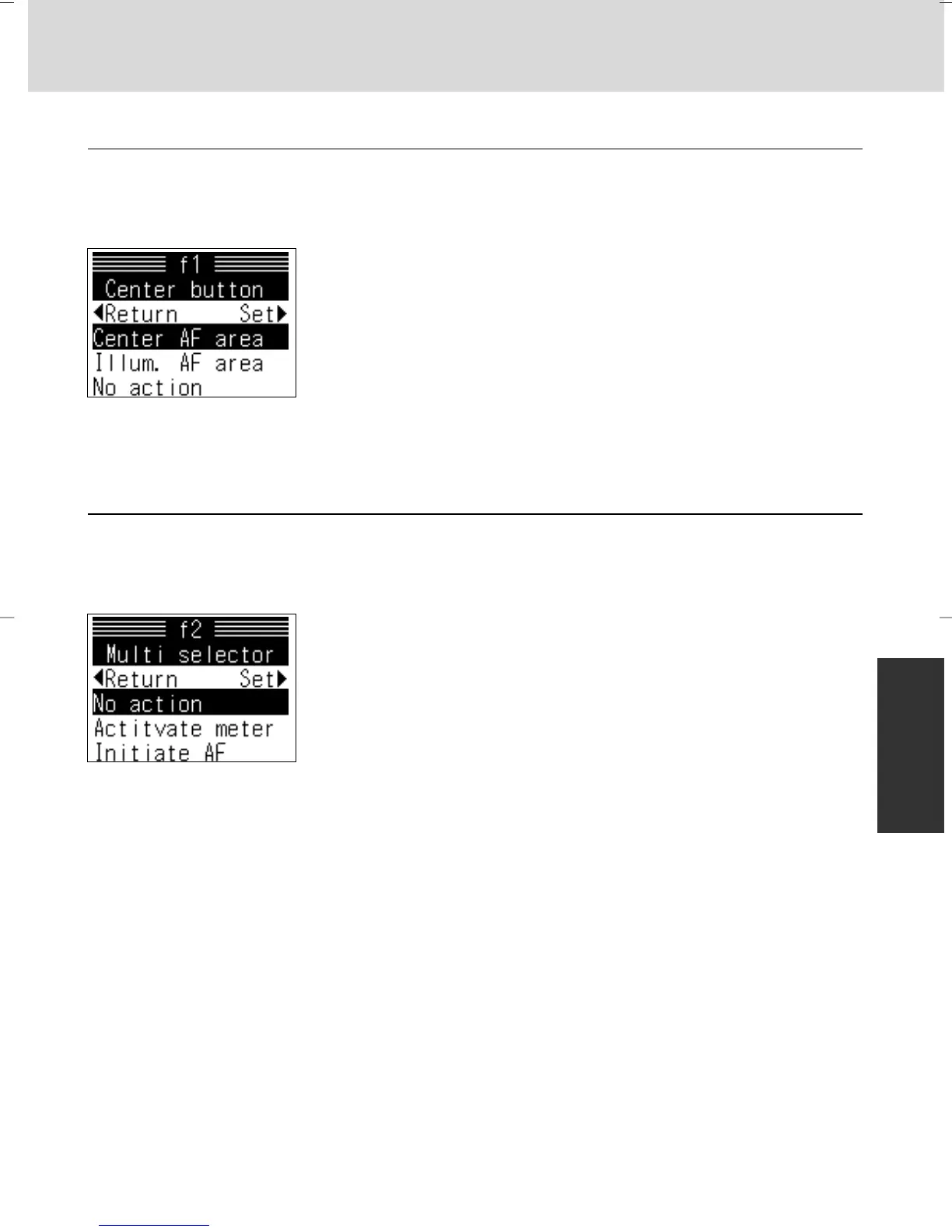
f1: Center button x 50, 88
Pressing the center of the multi-selector selects the center focus area or
focus-area group (Group Dynamic AF). However its operation can be
changed to any of the following settings:
Options:
Center AF area: Pressing the center of the multi-selector
selects the center focus area or center focus-area group
(Group Dynamic AF)
Illum. AF area: Pressing center of multi-selector illuminates
active focus area or focus-area group in viewfinder
No action: Pressing center of multi-selector has no effect
when camera is in shooting mode
f2: Multi selector x 18, 28
The multi-selector can be used to activate the exposure meters or initiate
autofocus, as described below
Options:
No action: Multi-selector does not activate exposure meters
or initiate autofocus.
Activate meter: Pressing multi-selector activates exposure
meter
Initiate AF: Pressing multi-selector initiates autofocus (except
in Manual focus)
P930_En 04.10.19 7:19 PM Page 107



 To Next Page