108
Custom Setting Menu—continued
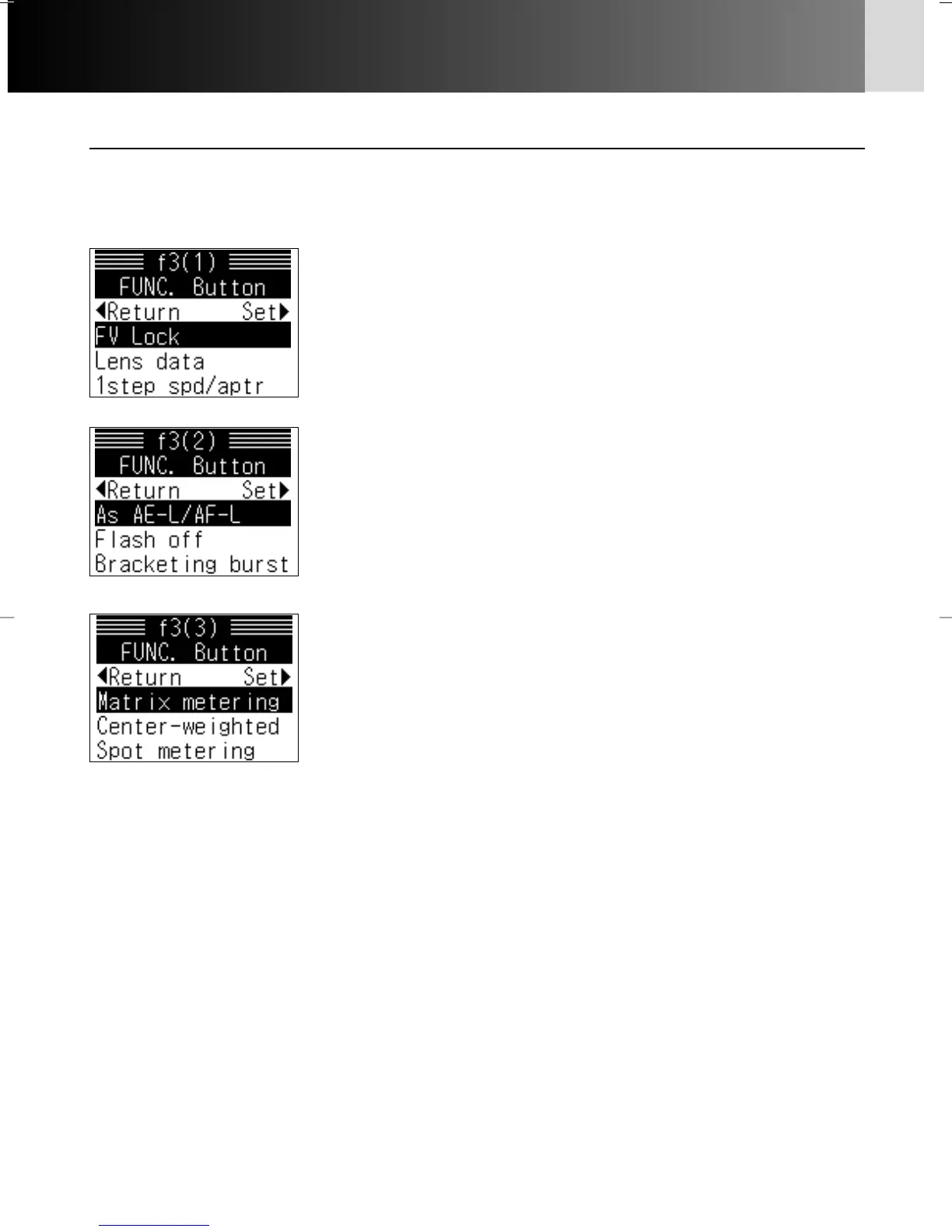
f3: FUNC. button x 6
At the default setting, pressing the FUNC. button activated FV Lock (x
151). However, this can be changed to any of the following settings:
Options:
FV Lock: If SB-800/SB-600 is attached, flash value locks
when FUNC. button is pressed
FV Lock/Lens data: If SB-800/SB-600 is attached and on,
flash value locks when FUNC. button is pressed;
otherwise, focal length and maximum aperture
combination of non-CPU lens (lens number) can be set
with FUNC. button
1step spd/aptr: Shutter speed/aperture can be changed in 1
EV steps by rotating Main-/Sub-Command Dial
regardless of the setting in the Custom Setting “b1: EV
step”
As AE-L/AF-L: FUNC. button performs same function as
AE/AF-L button
Flash off: To temporarily disable flash, press shutter release
button while FUNC. button is pressed
Bracketing burst: While FUNC. button is pressed, all shots in
Auto Exposure or Flash Exposure Bracketing will be
taken each time shutter release button is pressed in
single-frame shooting mode; in continuous shooting
mode, camera will repeat bracketing burst while shutter
release button is held down
Matrix metering: Matrix Metering is active while FUNC.
button is pressed
Center-weighted: Center-Weighted Metering is active while
FUNC. button is pressed
Spot metering: Spot Metering is active while FUNC. button is
pressed
• “Lens data” cannot be selected alone; “FV Lock” is also selected.
• When “As AE-L/AF-L” is selected, function selected in “c2: AE-L/AF-L” (x 99) is
performed.
P930_En 04.10.19 7:19 PM Page 108



 To Next Page