109
Menu Guide
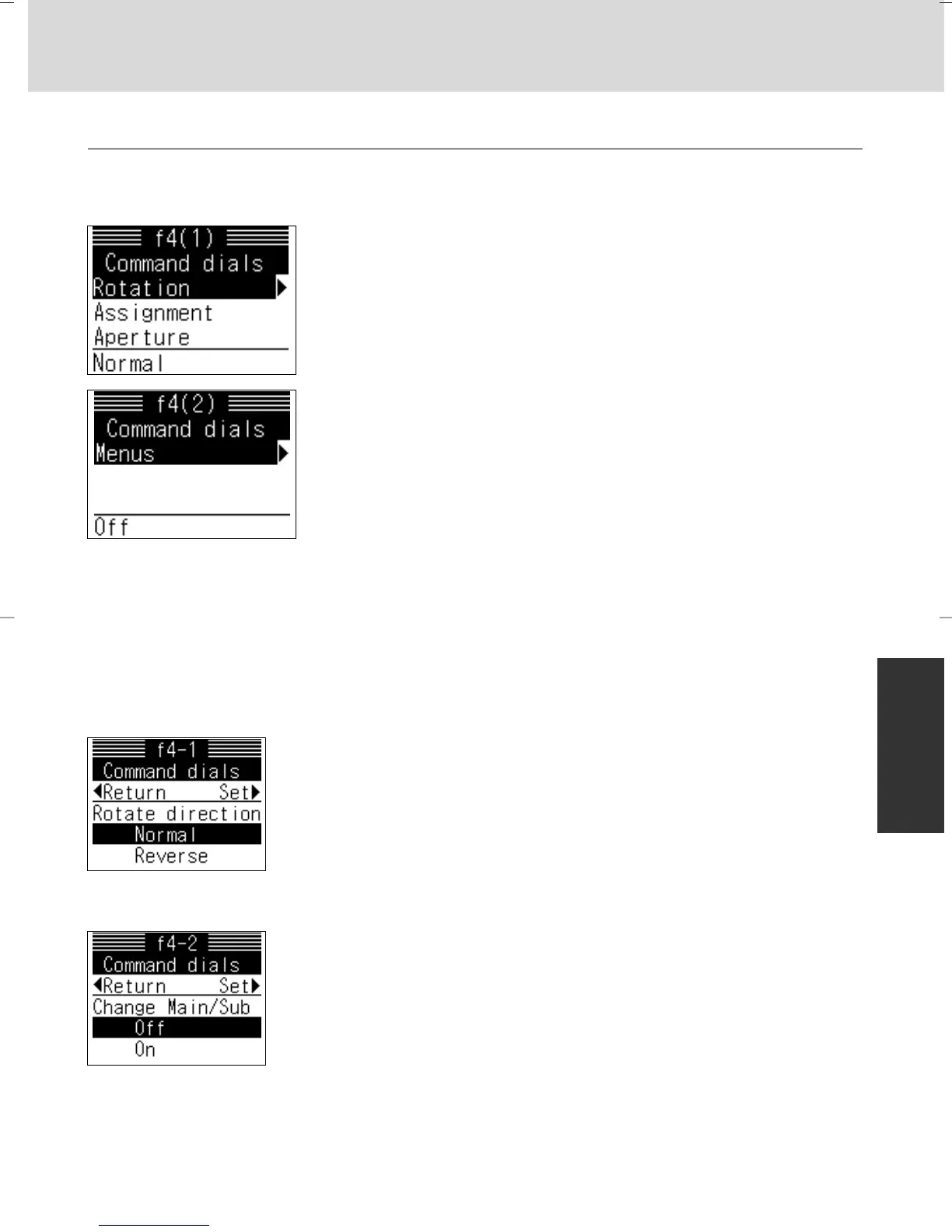
f4: Command dials x 12
This option controls the operation of the Main- and Sub-Command Dials.
Options:
Rotation: Controls direction of command dials
Assignment: Exchange the functions of the Main- and Sub-
Command Dials
Aperture: Set aperture with the lens’ aperture ring only with
non-G-type lens
Menus: Perform menu operations with command dials in
addition to the multi-selector
f4-1: Rotate direction
Options:
Normal: Normal command dial rotation
Reverse: Reverse rotation of command dials
f4-2: Change Main/Sub
Options:
Off: Main-Command Dial controls shutter speed, Sub-
Command Dial controls aperture
On: Main-Command Dial controls aperture, Sub-Command
Dial controls shutter speed
• When options in the “Command dials” are changed, operation with Command
Dials on the optional Multi Power Battery Pack MB-40 (x 166) and aperture
setting are affected.
P930_En 04.10.19 7:19 PM Page 109



 To Next Page