98
Custom Setting Menu—continued
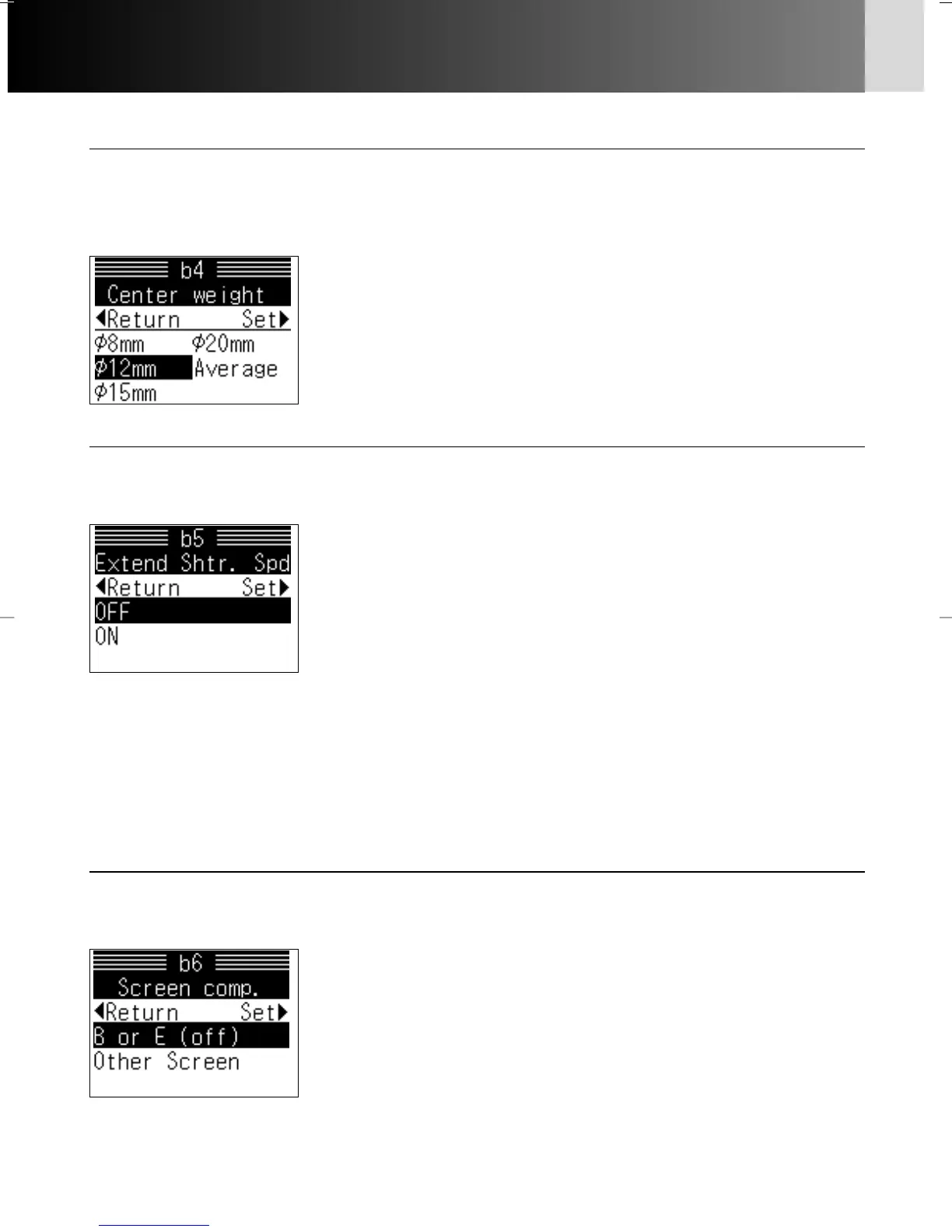
b4: Center weight x 63
Area of meter’s sensitivity (concentration of 75%) in Center-Weighted
Metering can be changed. Also, the sensitivity can be set to average in the
entire frame.
Options:
ø 8mm: 8mm dia. Center-Weighted Metering circle
ø 12mm: 12mm dia. Center-Weighted Metering circle
ø 15mm: 15mm dia. Center-Weighted Metering circle
ø 20mm: 20mm dia. Center-Weighted Metering circle
Average: Average of entire viewfinder
b5: Extend Shtr. Spd x 70
At the default setting, shutter speed in Manual exposure mode can be
selected as slow as 30 sec. This can be extended down to 30 min.
Options:
Off: Not extended
On: Extended
b6: Screen comp. x 85, 168
Exposure value must be compensated depending on focusing screen, lens or
teleconverter used.
Options:
B or E (off): No compensation
Other screen: Compensation
• See the next page for setting compensation value.
• For focusing screen other than B- or E-type, “Other screen” must be set even when
the required compensation value is “0”.
• With “On” selected, the following shutter speeds over 30 sec. can be selected with
the Main-Command Dial.
40 sec., 50 sec., 1 min., 1.5 min., 2 min., 3 min., 4 min., 5 min., 6 min., 8 min.,
10 min., 13 min., 15 min., 20 min., 25 min., 30 min.
• When these shutter speeds are selected, shutter speed is not compensated in
Auto Exposure Bracketing and electronic analog display turns off.
P930_En 04.10.19 7:19 PM Page 98



 To Next Page