- 6 -
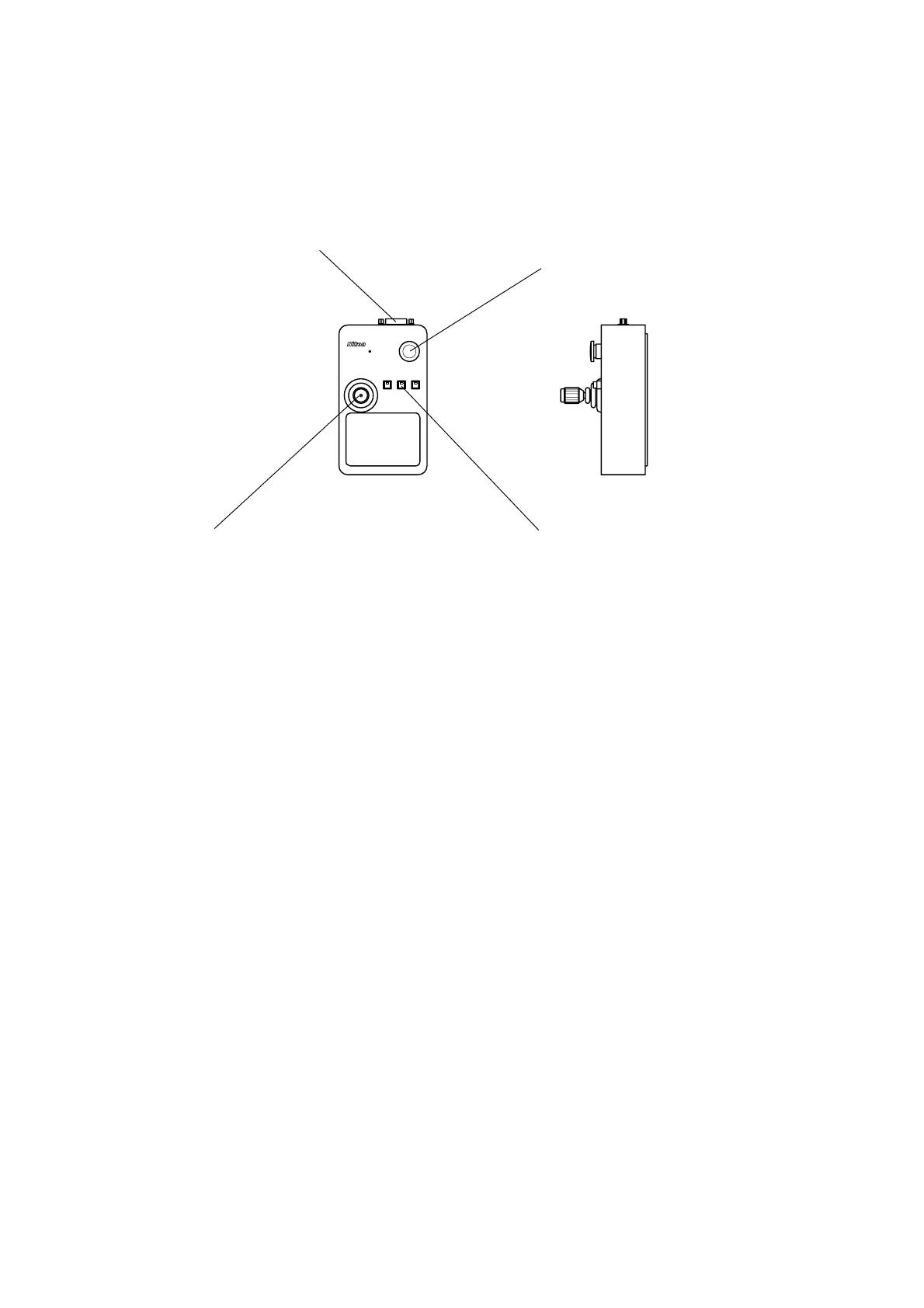
1.6 Joystick Box
STOP
S1 S2 S3
VM A-J S
J/S connector
Connects to the J/S connector on the
controller with the provided cable.
STOP switch
Press this switch to stop all moving
components. To resume operation,
restart the system.
Soft keys
Each soft key can be set with a
function from the host computer.
The soft keys can be set with the
following functions:
• Joystick slow drive mode
• Clamping of each axis
• Zoom factor
Joystick
Use the joystick to move the
workpiece in the X and
directions
or to move the vertical mover in the
Z direction for focusing. The drive
speed changes according to the
tilting angle of the joystick and the
rotating angle of the knob.


 To Next Page