3
Nikon
Film Scanner LS-4500AF User's Manual
1.2 Operating Environment
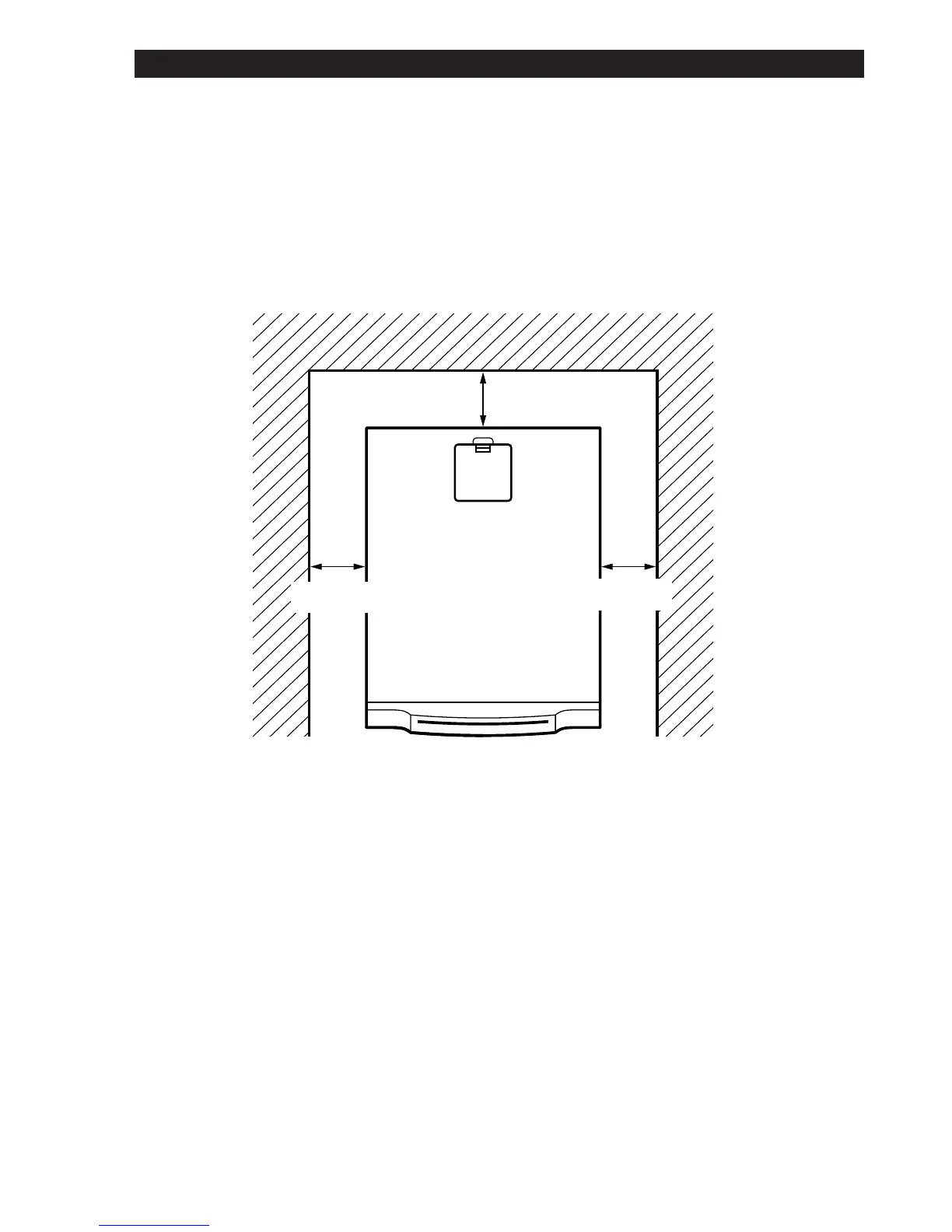
When installing the unit, leave space around and above it to ensure smooth
operation. Please refer to the drawing below for the amount of space to be
provided.
Since an air inlet and a vent are provided on the side and rear of the unit,
leave a space of 6 inches (15cm) when placing the unit near other devices.
If possible, place a suitable cover over the unit to prevent dust accumulat-
ing when it is stored.
6 inches
6 inches
6 inches
1. Overview













 To Next Page