17
Nikon
Film Scanner LS-4500AF User's Manual
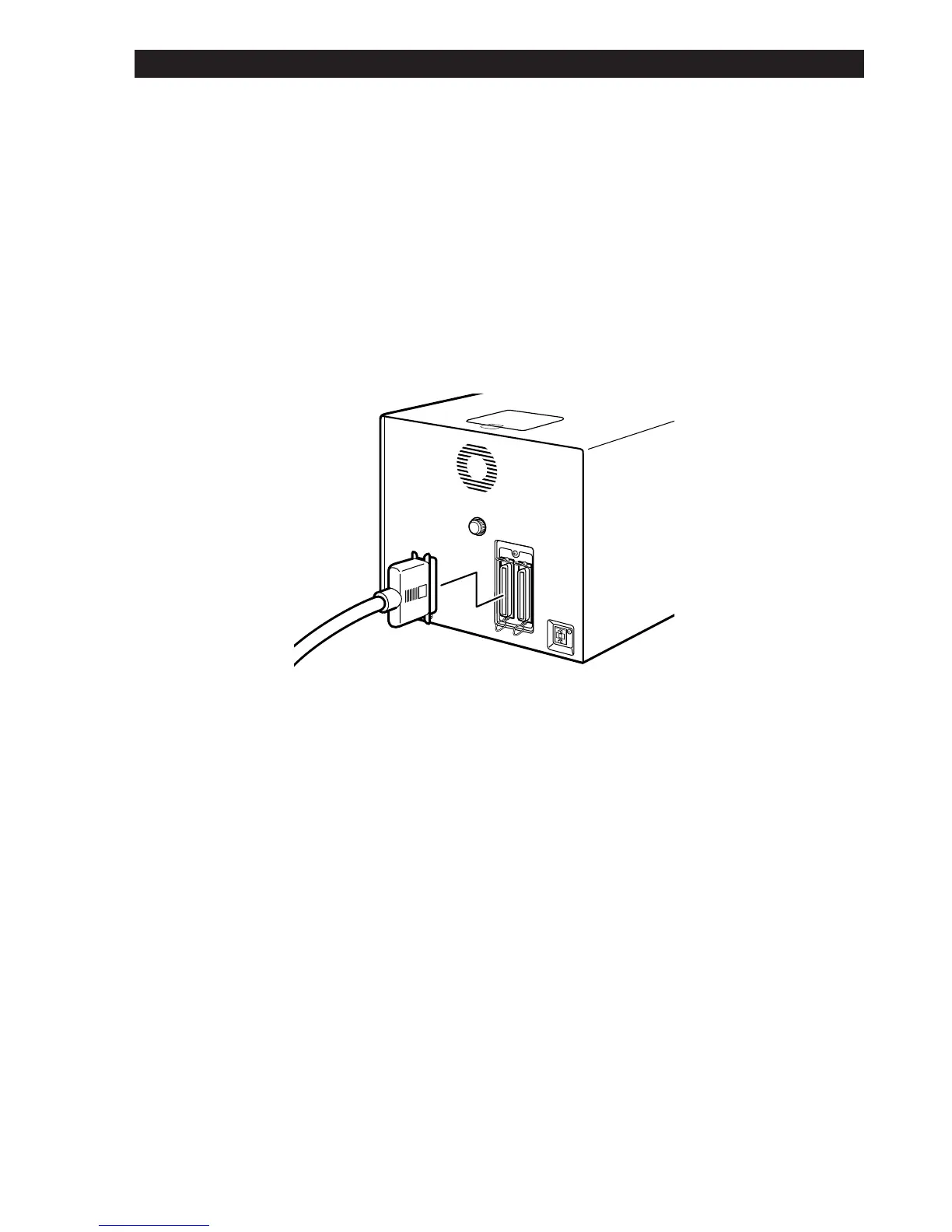
4.3 Connecting the SCSI Cable
Before connecting the SCSI cable, confirm that every SCSI device, includ-
ing the computer system, has been turned off.
Connect the unit to the computer using the SCSI cable. After attaching the
connector, be sure to lock it in place. You can connect the SCSI cable to
either of the SCSI connectors on the rear panel of the unit.
4. Connecting the LS-4500AF













 To Next Page