46
Nikon
Film Scanner LS-4500AF User's Manual
50
5050
80 80
50
44
50
86
80
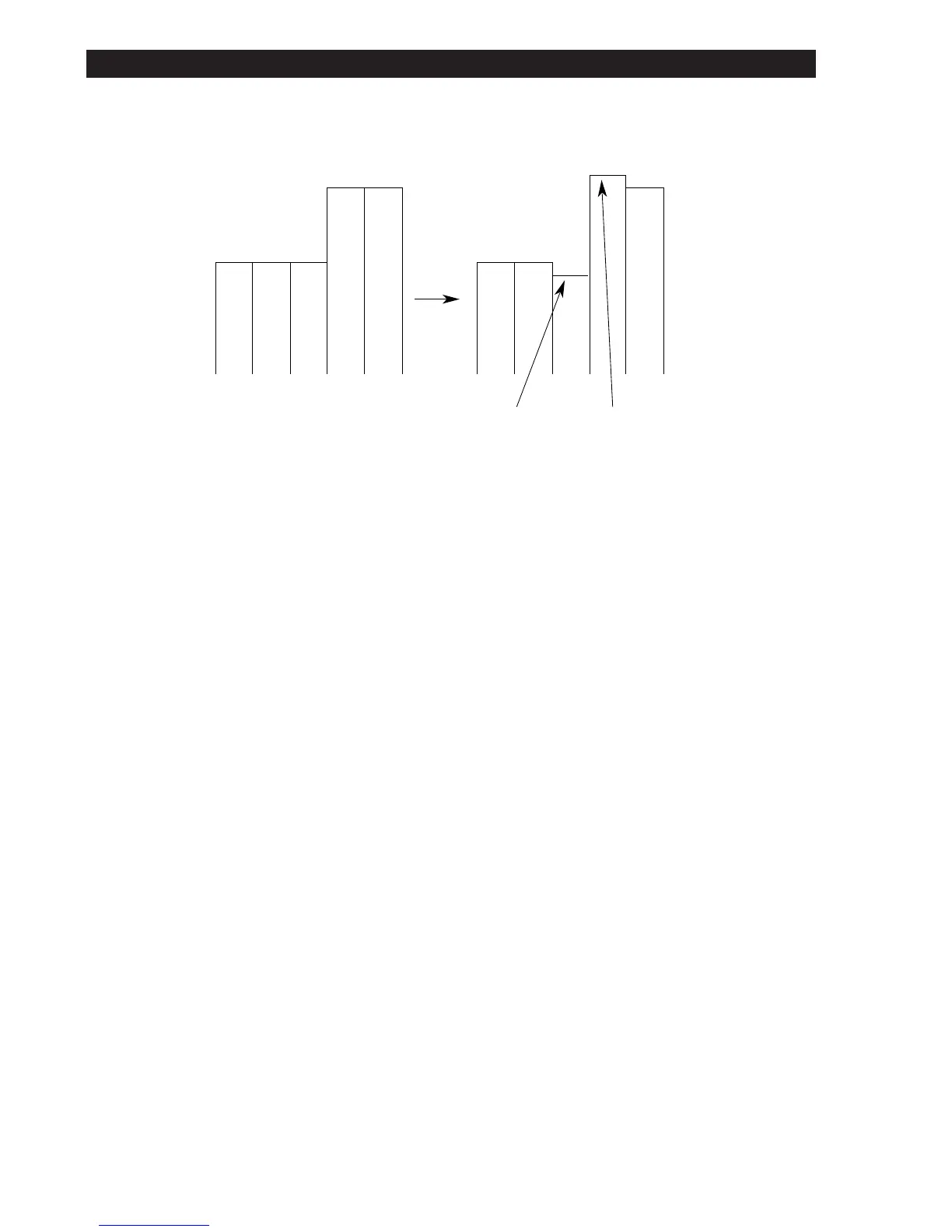
86=50*(-0.2)+80*(1.4)+80*(-0.2)
44=50*(-0.2)+50*(1.4)+80*(-0.2)
Such action, as demonstrated here, takes place in two-dimensions.
Even if the sharpness appears to be weak on the monitor, it may occasion-
ally be too great when printed out. You should therefore set a parameter
suitable for your system.
Since setting the + (plus) value has the effect of averaging (leveling), it is
effective in reducing moire when moire is too conspicuous.
Though the picture element multiplied by 1 = 100% is set for the conve-
nience of this explanation, you should follow the directions in the software
manual regarding the setting method.
9. Technical Tips on the LS-4500AF













 To Next Page