164 Recording and Viewing Movies
Recording and Viewing Movies
Movies can be recorded in live view mode.
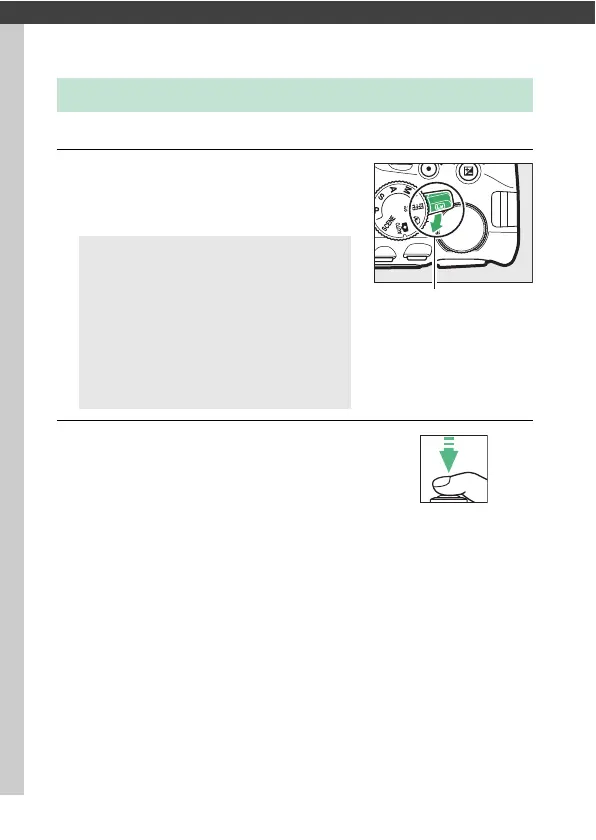
1 Rotate the live view switch.
The view through the lens will be
displayed in the monitor.
2 Focus.
Frame the opening shot and focus.
Note that the number of subjects that
can be detected in face-priority AF
drops during movie recording.
Recording Movies
D The 0 Icon
A 0 icon (0 11) indicates that movies
can not be recorded.
A Before Recording
If you are using a type E or PC-E NIKKOR
lens (0 305, 307), you can choose the
aperture for exposure modes A and M
during live view (0 122, 123).











 To Next Page