257B The Setup Menu: Camera Setup
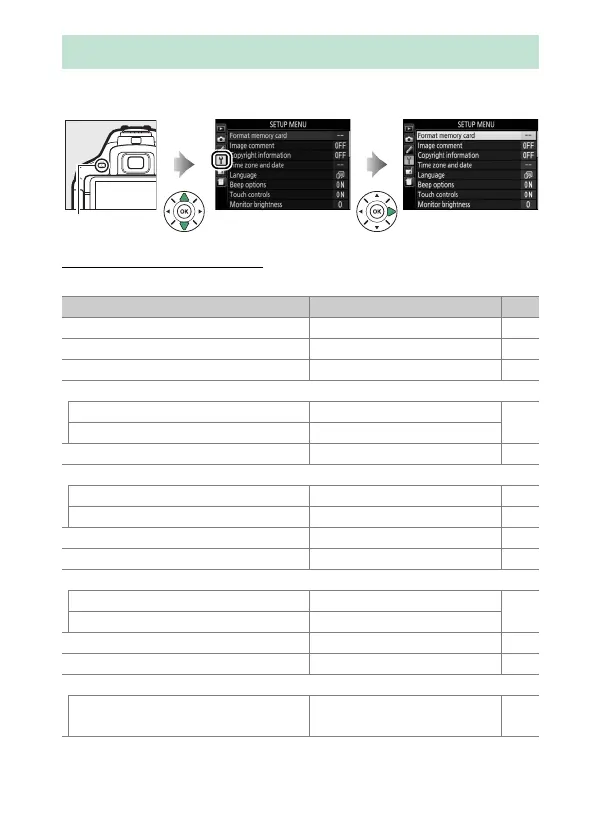
To display the setup menu, press G and select the B (setup
menu) tab.
Setup Menu Options
The setup menu contains the following options:
B The Setup Menu: Camera Setup
G button
Option Default 0
Format memory card —259
Image comment —260
Copyright information —261
Time zone and date
1
Sync with smart device Off
262
Daylight saving time Off
Language
1
—262
Beep options
Beep on/off On 263
Pitch Low 263
Touch controls Enable 263
Monitor brightness 0263
Info display format
AUTO/SCENE/EFFECTS Graphic
264
P/S/A/M Graphic
Auto info display On 265
Info display auto off On 265
Clean image sensor
Clean at startup/shutdown Clean at startup &
shutdown
328











 To Next Page