220 D The Playback Menu: Managing Images
Camera Menus
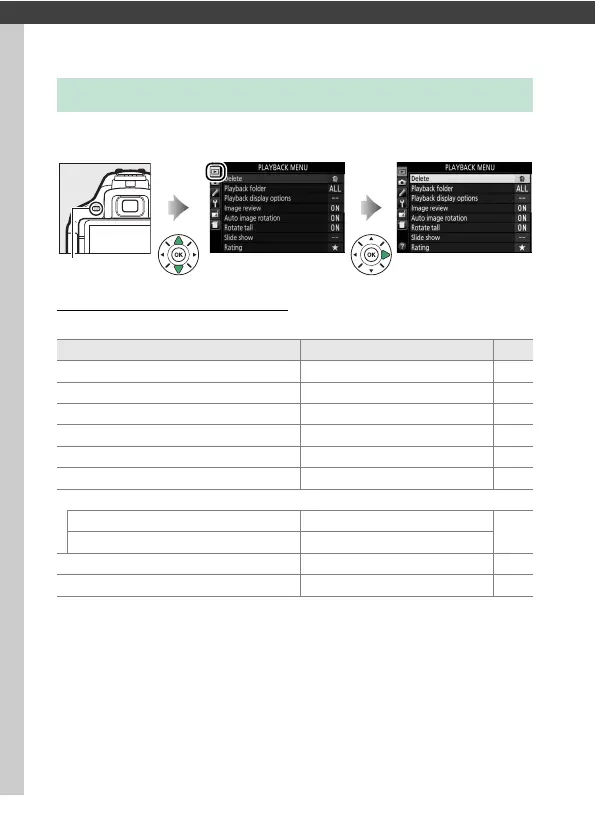
To display the playback menu, press G and select the D
(playback menu) tab.
Playback Menu Options
The playback menu contains the following options:
D The Playback Menu: Managing Images
G button
Option Default 0
Delete —206
Playback folder All 221
Playback display options —221
Image review On 221
Auto image rotation On 222
Rotate tall On 222
Slide show
Image type Still images and movies
208
Frame interval 2 s
Rating —202
Select to send to smart device —204











 To Next Page